Beginner-friendly programme in Python for AI and data
Python for AI &
Data
Learn the language behind almost every AI and data job: Python
fundamentals, data analysis with Pandas, charts, automation, APIs and
calling AI models from your own code, with AI coding assistants used the
right way. Every session ends in working code, and you finish by building
your own data and AI app.
5 Weeks
Course duration
30+ Hours
Guided learning
4 Projects
Plus a capstone
Beginner
No coding needed
Live instructor-led, with hands-on labs. Capstone: build your own data and AI app.
Next batch: 19 Jan 2027 Weekend batch: Saturday & Sundays Seats per batch: 25
The stack this course is built on
These are the Python skills that every data analyst, data scientist and AI engineer job description
assumes. You don’t just watch code being typed. You write it yourself in every session, and it all
comes together in your capstone.
Python fundamentals
Variables, data types, loops, functions and errors, explained from zero.
Data structures
Lists, dictionaries,
sets and tuples, and when to
use each.
NumPy
Fast number crunching on arrays, the base of every data and AI library.
Pandas
Load, clean, filter, group and join real data files with a few lines of code.
Charts
Matplotlib and Seaborn charts that show trends, comparisons and outliers.
Automation
Scripts that rename files, merge Excel sheets and send reports for you.
APIs and AI models
Calling web APIs and the OpenAI, Claude and Gemini APIs from Python.
AI coding assistants
Copilot, ChatGPT and Claude to write code faster, checked and understood by you.
Why Python, and
why now
Python is the most requested skill in AI and data job postings
in India, from analyst roles to AI engineering. It is also the first
step into every advanced course in data science, data
engineering and generative AI. Switch between the two to
see the difference.
What you learn
Syntax drills that never touch real data.
How you work
Copying code from the screen without understanding it.
Projects
Toy exercises like printing star patterns.
Use of AI
Either banned, or used to do all the work.
What you leave with
A certificate and some notebooks.
How every module is taught
Practical first. Each session is a short concept, live coding and a lab you finish yourself, on the
same business throughout.
Write it by hand first
You type and run every concept yourself before using any shortcut. You can’t fix AI-written code if you can’t read code.
Then use real data
From week two you work on a real-style order file with thousands of rows, the way analysts and engineers actually do.
Then let AI help
You use Copilot, ChatGPT and Claude to explain errors and speed up, and you learn to check what they write.
Curriculum
Four modules and a capstone, from your first line of code to an app that uses data and an AI
model. Highlighted modules are the core Python for AI skills. Open any module to see topics, the
tools you use, and what you build.
Python fundamentals
The building blocks of the language, learned by writing code from the first session.
What you'll learn
- Setting up Python, VS Code and Jupyter notebooks
- Variables, numbers, strings and type conversion
- Conditions, loops and writing your own functions
- Lists, dictionaries, sets and tuples
- Reading and writing text and CSV files
- Handling errors and reading error messages
Tools you use
- Python 3, VS Code and Jupyter
- The csv module and the Python standard library
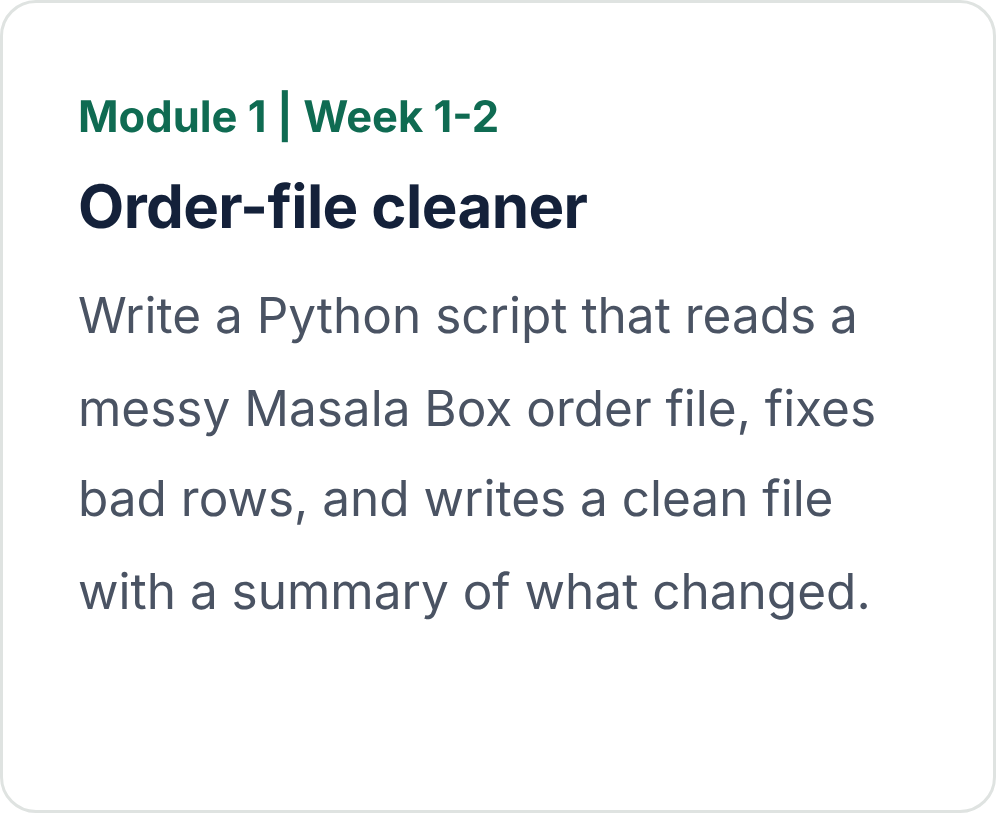
Hands-on Write a Python script that reads a messy Masala Box order file, fixes bad rows, and writes a clean file with a summary of what
changed.
Data analysis with NumPy, Pandas and charts
The libraries analysts and data scientists use every day, on a real-sized business dataset.
What you'll learn
- NumPy arrays and fast calculations
- Pandas DataFrames: loading, selecting and filtering data
- Cleaning: missing values, types, duplicates and text
- Grouping, aggregating, pivoting and joining tables
- Working with dates and time periods
- Charts with Matplotlib and Seaborn
Tools you use
- NumPy and Pandas
- Matplotlib and Seaborn in Jupyter
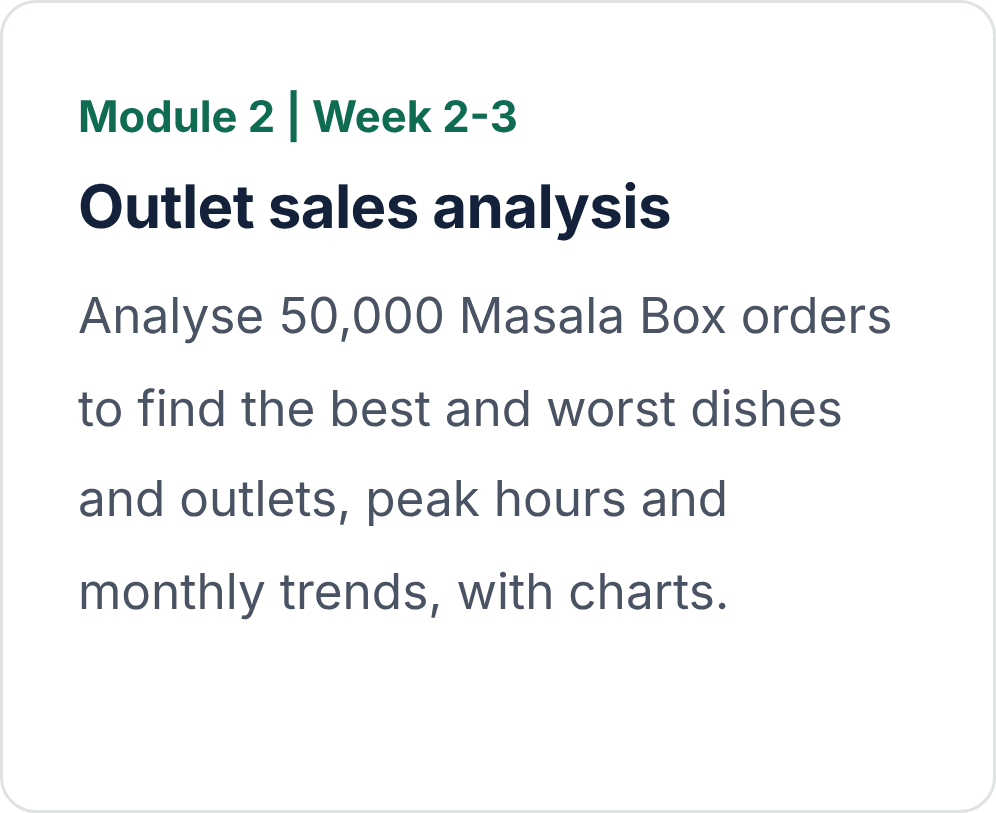
Hands-on Analyse 50,000 Masala Box orders to find the best and worst dishes and outlets, peak hours and monthly trends, with charts.
Automation, APIs and calling AI models
Making Python do work for you, and connecting it to web services and AI models.
What you'll learn
- Automating files, folders and Excel reports
- HTTP, JSON and calling web APIs with requests
- Keeping API keys safe in environment variables
- Calling the OpenAI, Claude and Gemini APIs from Python
- Prompts in code: summarising and classifying text at scale
- Using AI coding assistants to write and fix code
Tools you use
- requests, os, pathlib and openpyxl
- OpenAI, Anthropic and Gemini Python SDKs
- GitHub Copilot, ChatGPT and Claude for coding help
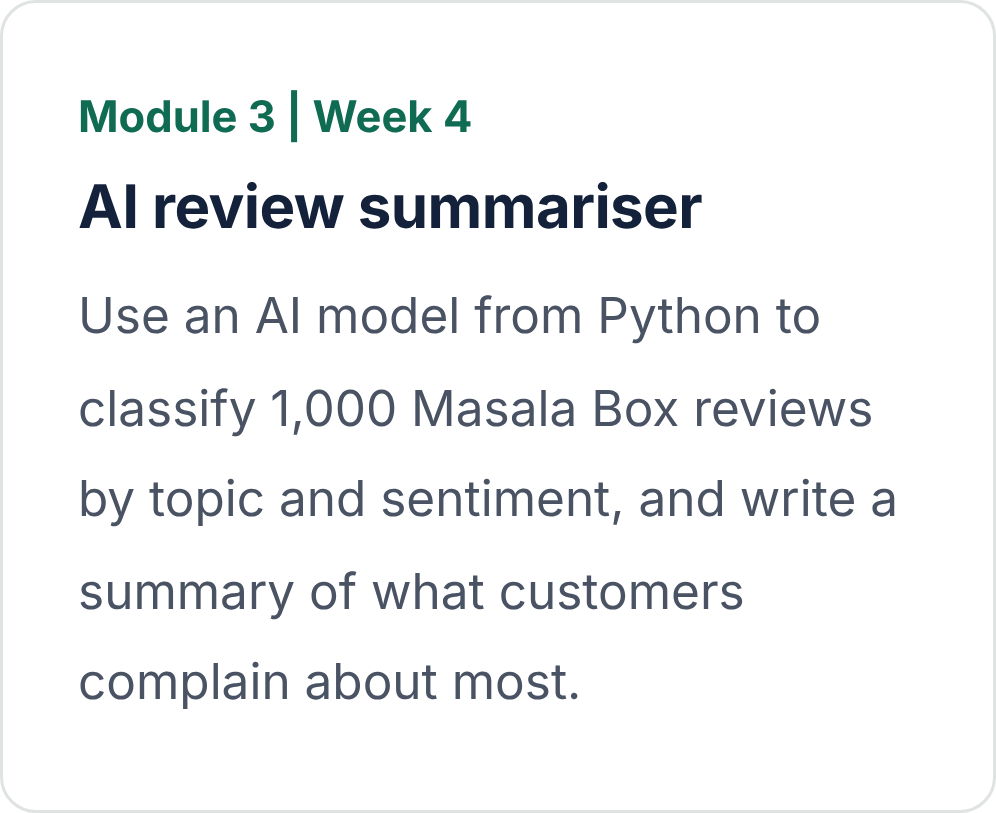
Hands-onUse an AI model from Python to classify 1,000 Masala Box reviews by topic and sentiment, and write a summary of what
customers complain about most.
Writing professional code and apps
Turning notebooks into code other people can run, share and build on.
What you'll learn
- From notebook to script: structure and modules
- Virtual environments and requirements files
- Git and GitHub: commit, push and README
- Writing simple tests
- Building a small web app with Streamlit
- Reading other people's code and documentation
Tools you use
- Git, GitHub and VS Code
- Streamlit and pytest
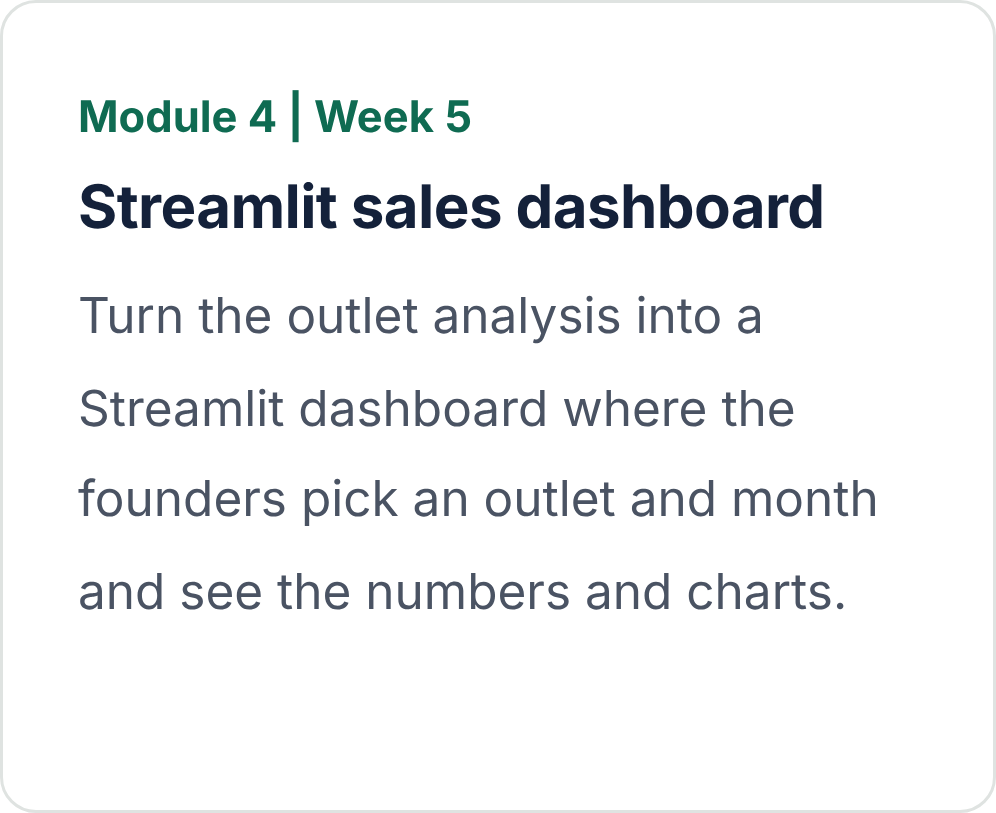
Hands-onTurn the outlet analysis into a Streamlit dashboard where the founders pick an outlet and month and see the numbers and
charts.
Capstone: build your own data and AI app
Choose a dataset and a question, and build a small app that answers it with Python,
data and an AI model.
What you'll do
- Choose a track: sales analysis, personal finance tracker, review analyser or job-market explorer
- Find or use a provided dataset and clean it
- Analyse it with Pandas and charts
- Add one AI feature, such as a summary or a classifier
- Build a Streamlit app and publish it on GitHub
- Present your app to a review panel
How it's assessed
- Your code runs and the numbers are right
- You can explain every part of your code
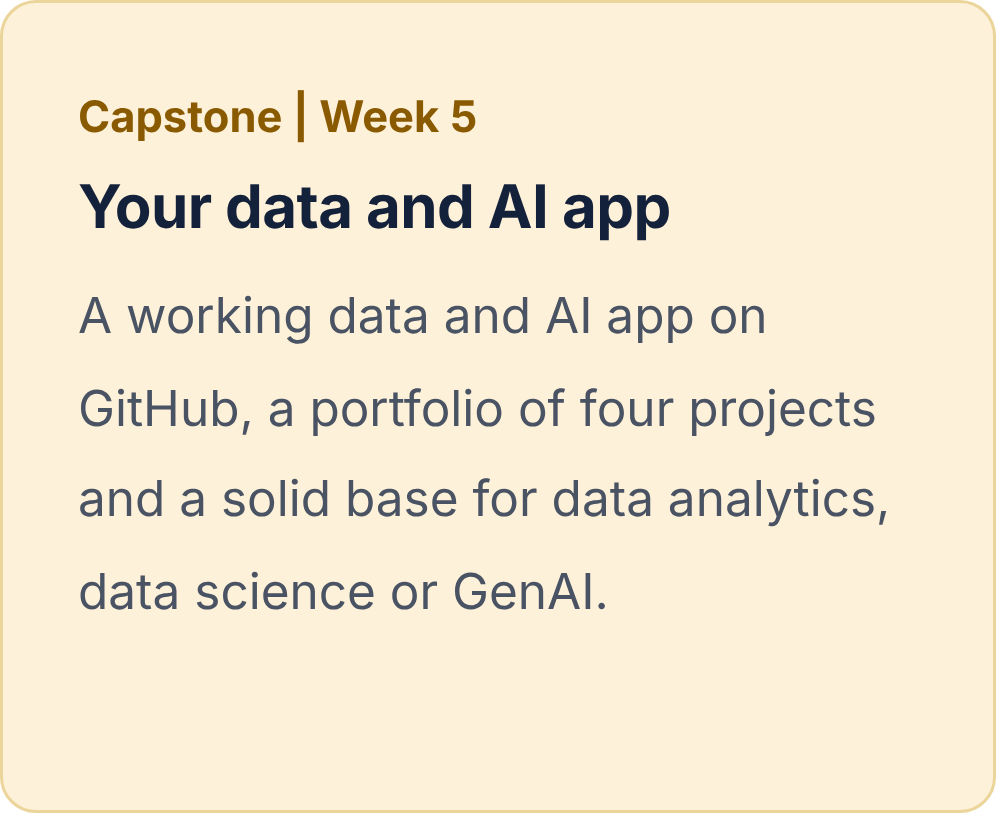
You leave with A working data and AI app on GitHub, a portfolio of four projects and a solid base for data analytics,
data science or GenAI.
Who it's for, and how it
runs
Built for complete beginners and for anyone who wants a solid Python base before moving into data or AI. No coding experience is needed; everything is taught from the start.
This course suits you if you are
A student or fresh graduate
From any stream, who wants the most requested skill in data and AI jobs.
A career changer
Moving into tech, data or AI from another field, and starting from zero.
An Excel user or analyst
Who wants to automate reports and work with data too big for spreadsheets.
A working professional
Who wants to automate repetitive tasks and understand AI from the inside.
A future data or AI learner
Planning to join a data analytics, data science or GenAI course next.
A tester or support engineer
Who wants to write scripts and move into development or data roles.
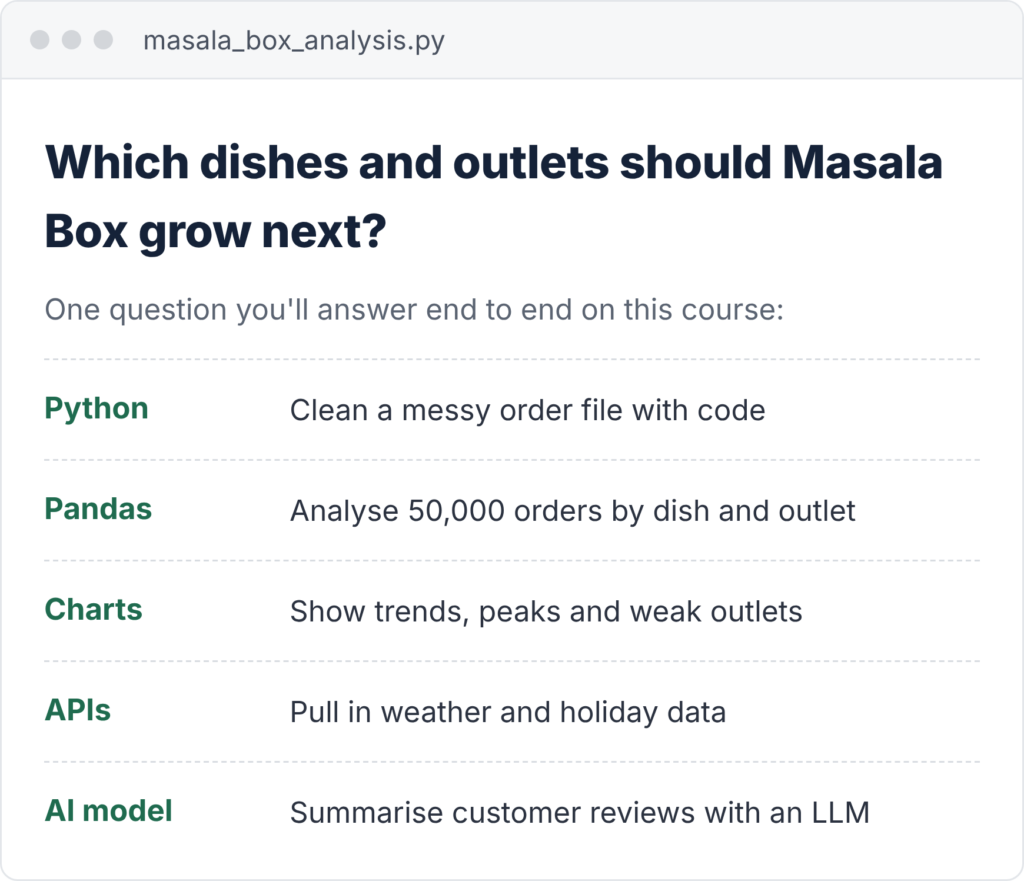
One business, four projects and a capstone
Every project uses Masala Box, a fictional cloud-kitchen chain with 12 outlets, 50,000 online
orders a month and thousands of customer reviews. Each module builds on the last, so by the
end you can answer one real business question with code:
Which dishes and outlets should
Masala Box grow next?
Roles this course prepares you for
This course is the first step into these roles, and the base for our advanced programmes.
Junior Python Developer
Write scripts and small applications for business teams.
Data Analyst (entry route)
Clean, analyse and chart business data with Pandas.
Future Data Scientist
Move next into machine learning with a strong Python base.
Automation Engineer
Automate reports, files and repetitive tasks with Python.
QA or Test Automation Engineer
Use Python to write test scripts and automation.
Future AI Engineer
Move next into generative AI, LLM apps and agents.
Frequently Asked Questions
Yes. The course starts from installing Python and writing your first line. All you need is a laptop and about 4 hours a week outside class for practice.
Any recent Windows, Mac or Linux laptop with 8 GB of RAM is enough. Everything we use is free.
The AI module uses very small amounts of API credit, usually less than ₹200 for the whole course, or free tiers where available. [Confirm whether you provide API credits.]
Because AI-written code is often wrong in ways that look right. Employers hire people who can read, test and fix code. That needs the basics.
You can join our Data Analytics 360, Data Science or Generative AI courses with a strong base, or start applying for entry-level Python and data roles.
A GitHub portfolio with four projects and a working data and AI app from your capstone. You also get 100% Placement Assistance & Career Support.
Recordings are shared after every session (available for 1 year), and you can bring questions to the next doubt-clearing slot.
Talk to us about the next batch
Tell us where you’re starting from. We’ll call you back, walk you through the course and tell you honestly whether it suits your goals.