
Data science course with generative AI
GenAI-Powered Data Science Mastery
Learn Python, SQL, statistics, machine learning, deep learning and NLP
the way data scientists use them at work, with AI tools built into every
module. Start from zero, finish with a portfolio of thirteen projects and a
model running as a live app.
22 Weeks
Course duration
214 Hours
Guided learning
12 Projects
Plus a capstone
Beginner
No coding needed
Weekday and weekend batches. Live online and classroom.
Next batch: 19 December 2026 Weekend batch: Saturday & Sundays Seats per batch: 25
Reserve a seat
Why data science with AI,
and why now
Python, statistics and machine learning still appear in almost every
data science job description. What has changed is that employers
now also expect you to use AI tools well, and to catch them when
they’re wrong. Switch between the two to see the difference.
What you learn
Python, statistics and a list of algorithms, each taught on its own.
How you work
Write every line by hand and rerun notebooks to check results.
Projects
Separate exercises on unrelated, overused datasets.
Quality of your models
AI use is left to you, with no guidance on checking it.
Interview readiness
Notebooks on your laptop, and little practice explaining them.
How every module is taught
AI is not a separate add-on at the end. It sits inside each tool,
used the way working analysts use it.
Skill first
You write the query, the code and the model yourself before any AI shortcut. You can’t check AI output in a skill you don’t have.
Then speed it up
You use ChatGPT, Claude and GitHub Copilot to draft code, explain unfamiliar methods, review your work and, later, build LLMs into what you make.
Always verify
Every AI step is followed by a check: shapes and row counts, a known answer, a leakage check, a hold-out result. Employers want models that can be trusted.
Curriculum
Twelve modules and a capstone, from your first line of Python to a deployed model. Open any
module to see topics, where AI comes in, and the project you build.
-
GenAI basics
-
Python basics
-
Data analysics
-
SQL
-
Statistics
-
Hypothesis testing
-
Supervised ML
-
Unsupervised ML
-
Time series
-
Deep learning
-
NLP
-
Deploy
-
Capstone
Generative AI for data scientists
A short opening module so you use AI tools well from week one, and know their limits
before you rely on them.
What you'll learn
- How large language models work, and why they get code and statistics wrong
- When to use classical machine learning and when to use generative AI
- Prompting for code, explanations and tests
- AI coding assistants in notebooks and editors
- Data privacy: what should never be pasted into a public AI tool
- A verification routine for any code or number an AI gives you
Where GenAI comes in
- This whole module: the working habits every later module builds on
- Reusable prompt templates for EDA, modelling and code review
- Recognising plausible but wrong code and statistics
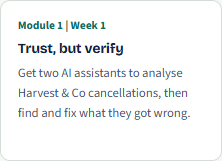
Hands-on Get two AI assistants to analyse Harvest & Co cancellations, then find and fix what they got wrong.
Python foundations
Programming basics for people who have never coded, taught with data from day one,
through to functions and object-oriented programming
What you'll learn
- Python setup, Jupyter, VS Code and Google Colab
- Variables, data types and strings
- Lists, tuples, dictionaries and sets
- Conditions, loops and comprehensions
- Functions with def, and lambda with map, filter and reduce
- zip and enumerate for cleaner loops
- Object-oriented programming: classes, objects, methods and inheritance
- Files, JSON and error handling
Where GenAI comes in
- Using AI as a tutor that explains error messages
- Asking for hints rather than full answers while you're learning
- Getting feedback on functions and classes you've written
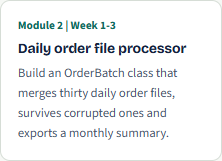
Hands-on Build an OrderBatch class that merges thirty daily order files, survives corrupted ones and exports a monthly summary.
Python for data analysis with GenAI
NumPy, pandas and visualisation: the toolkit every later module is built on.
What you'll learn
- NumPy arrays, broadcasting and the linear algebra behind machine learning
- pandas: selecting, filtering, cleaning, grouping, merging and reshaping
- Strings, regular expressions and dates
- Charts with Matplotlib, Seaborn and Plotly
- A repeatable exploratory data analysis workflow
Where GenAI comes in
- Generating pandas and chart code from a plain-English request, then checking the output
- Asking AI for EDA questions from a schema and summary statistics, not raw data
- Explaining unfamiliar pandas code line by line
- Drafting an EDA write-up, checked against the numbers
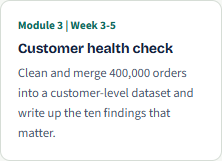
Hands-on Clean and merge 400,000 orders into a customer-level dataset and write up the ten findings that matter.
SQL for data science with GenAI
Real training data lives in databases. Data scientists need SQL to pull it and to build
features without leakage.
What you'll learn
- How relational databases work: tables, keys and relationships
- How relational databases work: tables, keys and relationships
- Joins, subqueries and CTEs
- Window functions for time-based features: ROW_NUMBER, LAG, LEAD and running totals
- Point-in-time correctness and target leakage
- Running SQL from Python with SQLAlchemy
Where GenAI comes in
- Turning a feature definition into SQL, then checking it for leakage
- Explaining long queries line by line
- Diagnosing wrong row counts and slow queries
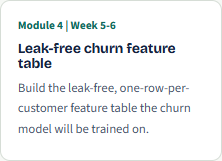
Hands-on Build the leak-free, one-row-per-customer feature table the churn model will be trained on.
Statistics for data science
Probability, distributions and estimation: the reasoning behind every model and every
test.
What you'll learn
- Descriptive statistics and distribution shape
- Probability, conditional probability and Bayes' theorem
- Binomial, Poisson, normal, exponential and log-normal distributions
- Sampling and the central limit theorem, by simulation
- Confidence intervals and the bootstrap
- Correlation, confounding and Simpson's paradox
Where GenAI comes in
- Asking AI to explain an idea several ways until it makes sense
- Writing simulation code with AI to check a result empirically
- Catching common AI errors, such as misreading a confidence interval
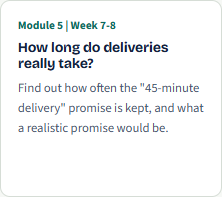
Hands-on Find out how often the “45-minute delivery” promise is kept, and what a realistic promise would be.
Hypothesis testing and experimentation
How to prove a change worked: the tests and A/B experiment design product teams
rely on.
What you'll learn
- p-values, significance and Type I and II errors
- t-tests, proportion tests and chi-square tests
- ANOVA and non-parametric tests
- A/B test design, power analysis and sample size
- Multiple testing and the peeking problem
- Reporting effect sizes for business decisions
Where GenAI comes in
- Choosing a test with AI, then defending the choice in your own words
- Generating test code, then checking assumptions the AI skipped
- Drafting a results summary, checked against the numbers
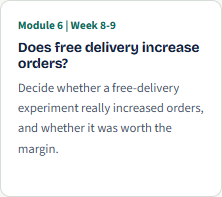
Hands-on Decide whether a free-delivery experiment really increased orders, and whether it was worth the margin.
Machine learning: supervised learning
The longest module on the course. You’ll go from a first regression to a tuned,
explained model the business could use.
What you'll learn
- Linear and logistic regression, KNN, Naive Bayes and SVMs
- Decision trees, random forests, XGBoost, LightGBM and CatBoost
- Feature engineering, pipelines and data leakage
- Cross-validation and tuning with Optuna
- Imbalanced data, thresholds and calibration
- Explainability with SHAP, and fairness checks
Where GenAI comes in
- Suggesting candidate features, then testing whether they genuinely help
- Writing and debugging pipeline and tuning code
- AutoML as a benchmark, not an answer
- Drafting a model card, checked against your results
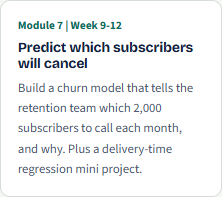
Hands-on Build a churn model that tells the retention team which 2,000 subscribers to call each month, and why. Plus a delivery-time
regression mini project.
Machine learning: unsupervised learning
Finding structure without labels: segmentation, dimensionality reduction, anomalies
and market baskets.
What you'll learn
- k-means, hierarchical clustering, DBSCAN and Gaussian mixtures
- PCA, t-SNE and UMAP
- Anomaly detection with Isolation Forest and LOF
- Market basket analysis with Apriori
- Turning clusters into business segments
Where GenAI comes in
- Drafting segment personas from cluster summaries, checked against the data
- Writing clustering code with AI, then validating the choices it made
- Explaining PCA loadings in plain language
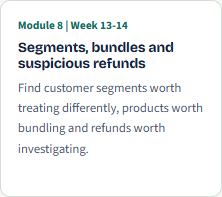
Hands-on Find customer segments worth treating differently, products worth bundling and refunds worth investigating.
Time series forecasting
Forecasting demand, from decomposition and ARIMA to Prophet and gradient
boosting, validated properly.
What you'll learn
- Resampling, rolling windows and lag features
- Decomposition, stationarity, ACF and PACF
- Exponential smoothing, ARIMA and SARIMA
- Prophet with Indian holidays and promotions
- LightGBM forecasting and walk-forward validation
- Forecast evaluation and prediction intervals
Where GenAI comes in
- Drafting forecasting code with AI, then checking it for look-ahead leakage
- Asking AI to explain ACF and PACF patterns, then confirming them yourself
- Drafting a forecast summary that states the uncertainty clearly
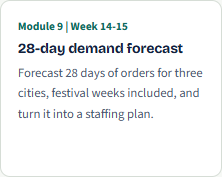
Hands-on Forecast 28 days of orders for three cities, festival weeks included, and turn it into a staffing plan.
Deep learning essentials
Neural networks from the ground up, transfer learning, and the ideas behind
transformers.
What you'll learn
- How neural networks learn: loss, gradient descent and backpropagation
- Building and training networks in Keras on a GPU
- Dropout, batch normalisation and early stopping
- CNNs and transfer learning
- RNNs, attention and the transformer architecture
Where GenAI comes in
- Using AI to explain training behaviour, such as a diverging loss curve
- Generating Keras boilerplate, then checking layer shapes and data splits
- Comparing AI-suggested architectures against a simple baseline
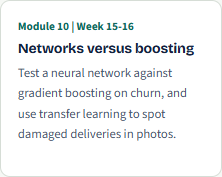
Hands-on Test a neural network against gradient boosting on churn, and use transfer learning to spot damaged deliveries in photos.
NLP with generative AI
Text data from classical NLP to transformers, LLMs and a first retrieval-augmented
(RAG) app.
What you'll learn
- Text preprocessing with NLTK and spaCy, including Hinglish text
- Bag of words, TF-IDF and embeddings
- Sentiment, text classification, topic modelling and NER
- Transformers and fine-tuning with Hugging Face
- LLMs for classification and extraction
- Semantic search and a first RAG app
Where GenAI comes in
- LLMs as a component inside an NLP pipeline, not just a helper
- Zero-shot and few-shot classification, measured against a hand-labelled set
- A RAG app that answers only from approved documents
- Comparing LLM cost and accuracy against classical models
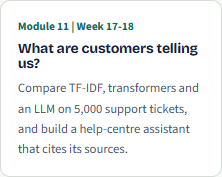
Hands-on Compare TF-IDF, transformers and an LLM on 5,000 support tickets, and build a help-centre assistant that cites its sources.
Model deployment with Streamlit and
MLOps basics
Get models out of notebooks: Streamlit apps, ngrok and cloud sharing, APIs, Docker and experiment tracking.
What you'll learn
- Git, GitHub, environments and project structure
- Saving and versioning model pipelines
- Multi-page Streamlit apps with batch scoring and SHAP explanations
- Sharing with ngrok and Streamlit Community Cloud
- FastAPI endpoints and Docker containers
- MLflow tracking and drift monitoring
Where GenAI comes in
- Generating app and API code with AI, then reviewing it for errors and security gaps
- An LLM feature that turns SHAP values into a plain-English explanation
- Guardrails so the AI explains only what the model actually did
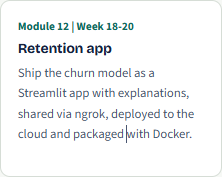
Hands-on Ship the churn model as a Streamlit app with explanations, shared via ngrok, deployed to the cloud and packaged with Docker.
Capstone project
Answer the opening question yourself, from database to deployed app, using every
skill on the course.
What you'll learn
- Frame the problem and pick the right metric
- Build a leak-free feature table in SQL
- Test a retention offer with A/B test data
- Train, tune, explain and fairness-check a churn model
- Add text insights from support tickets
-
Deploy a Streamlit app and give a 15-minute presentation to a review
panel
Where GenAI comes in
- You decide where AI helps and record every place you used it
- The panel asks you to show how you checked each AI-assisted step
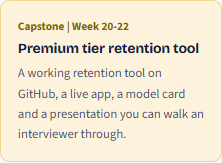
You leave with A working retention tool on GitHub, a live app, a model card and a presentation you can walk an interviewer through.
Who it's for, and how it
runs
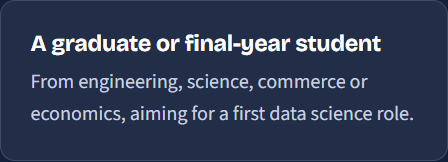
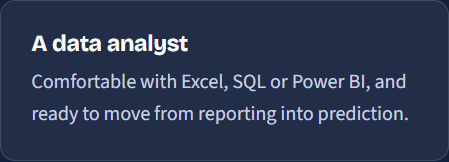
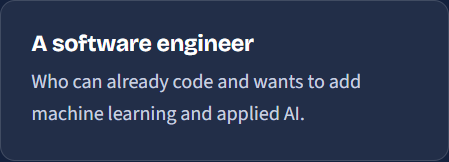
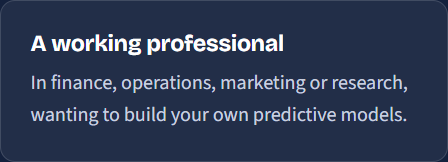
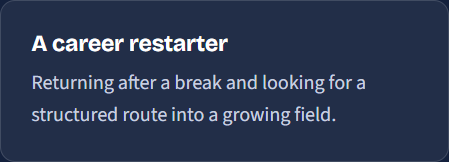
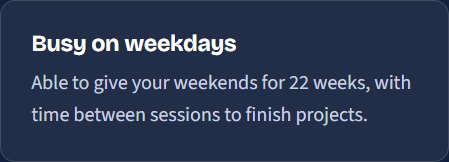
Built for people aiming at data scientist, machine learning and applied AI roles, whether starting out or moving across from analytics or software. The weekend batch fits around a full-time job.
This course suits you if you are
One business, thirteen projects
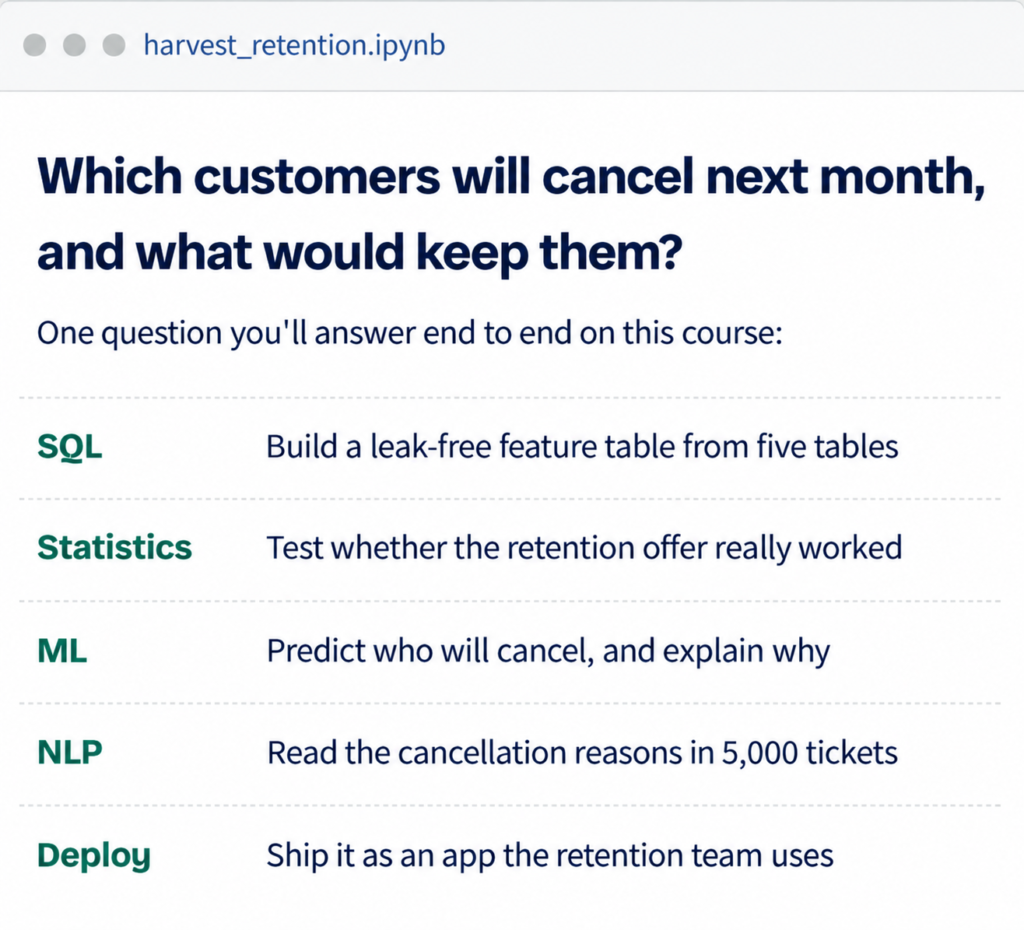
Every project uses Harvest & Co, a fictional online grocery delivery business in 12 Indian cities
with around 1.8 lakh customers. Each module builds on the last, so by the end you can take one
real business question from a database to a deployed app:
Which customers will cancel next
month, and what would keep them?
Tools you will use
All industry standard. Highlighted tools are the AI assistants and models used across the course.
Roles this course prepares you for
The skills map directly to the entry and early-career roles companies hire for most often in data
science and applied AI.
Data Scientist
Frame business problems, build and evaluate models, and explain what they mean for decisions.
Product or Growth Data Scientist
Run A/B tests, model churn and measure what product changes really do.
AI or GenAI Engineer
Build LLM features, text classifiers
and retrieval assistants on
company data.
Senior Data Analyst
Go beyond dashboards with testing, segmentation and forecasting.
Machine Learning Engineer
Turn trained models into tested,
versioned apps and APIs other teams can use.
Forecasting or Risk Analyst
Forecast demand and build early-warning models for operations and finance.
Frequently Asked Questions
Yes. Python starts from the very beginning in module 5, and by then you’ll already have spent several weeks thinking in rows, columns and queries through Excel and SQL, which makes the move to code much easier.
No. The free versions of ChatGPT and Claude cover almost everything on the course. Copilot features in Excel and Power BI need a Microsoft licence; we demonstrate them in class, and every exercise has a route that works without one.
Because AI-written ML code often runs and still gives the wrong answer, through data leakage or tuning on the test set. Employers hire data scientists who can read, test and fix what an AI produces. That needs the underlying skill.
Every model rests on probability, distributions and testing. Learning them first, with simulation you can see, means you know whether a model’s result is real before you trust it.
A GitHub portfolio with a project from every module, a deployed Streamlit app and an end-to-end capstone. [Add any placement or career support you offer here.]
[Recordings are shared after every session, and you can bring questions to the next doubt-clearing slot.]
Talk to us about the next batch
Tell us where you’re starting from. We’ll call you back, walk you through the course and tell you honestly whether it suits your goals.