Practical, job-oriented programme in generative AI and AI agents
Generative AI & AI Agents Mastery
Learn to build what companies are hiring for: LLM applications, RAG
systems, AI agents, multi-agent workflows and business automations,
using LangChain, LangGraph, MCP, n8n and LangSmith. Every module
ends in working code, and you finish by building and deploying your own
AI agent.
10 Weeks
Course duration
60+ Hours
Guided learning
6+ Projects
Plus a capstone
Beginner
To advanced
Live instructor-led, with hands-on labs. Capstone: build and deploy your own AI agent.
Next batch: 15 Jan 2027 Weekend batch: Saturday & Sundays Seats per batch: 25
Reserve a seat
Why AI agents, and why now
Companies have moved past asking whether to use generative
AI. They now need people who can build LLM applications and
agents that work on real data, connect to real systems and can
be trusted in front of customers. Switch between the two to
see the difference.
What you learn
ChatGPT tips and prompt tricks, with a short demo of an agent at the end.
How you work
Copying framework examples that break as soon as the data changes.
Projects
Isolated notebooks on toy documents.
Quality of your models
It worked once in the demo, so it ships.
Interview readiness
Certificates, and little you can show running.
How every module is taught
Practical first. Each session is a short concept, a live build and a lab you finish yourself, on the
same business throughout.
Build it by hand first
You write the API call, the retrieval step and the agent loop yourself before any framework. You can’t debug a LangGraph agent if you don’t know what it’s doing underneath.
Then use the frameworks
You rebuild with LangChain, LangGraph, MCP and n8n, and use AI coding assistants to move faster, the way GenAI teams actually work.
Always evaluate
Every system you build is traced in LangSmith and checked against a test set: right answers, right sources, right tool calls. Employers want agents that can be trusted.
Curriculum
Ten modules and a capstone, from your first API call to a deployed multi-agent workflow. Highlighted modules
are the core agent stack. Open any module to see topics, the tools you use, and what you build.
-
GenAI Foundations
-
Prompt engineering
-
LLM app development
-
RAG
-
AI agents
-
LangChain & LangGraph
-
MCP and Frameworks
-
n8n automation
-
Multi-agent systems
-
Evaluation and observability
-
Capstone
Generative AI foundations
How large language models work, what they are good and bad at, and how to choose
between them.
What you'll learn
- Generative AI, LLMs and the transformer architecture, explained without the maths
- ChatGPT, Claude and Gemini compared on real tasks
- Model selection: capability, cost, speed and context length
- Tokens, context windows and why they drive cost and quality
- Hallucination, knowledge cut-offs and other limits
- Data privacy and responsible use at work
Tools you use
- ChatGPT, Claude and Gemini side by side
- Token counters and model pricing pages
Hands-on Run the same three Saffron support questions through three models, compare quality, speed and cost, and recommend one
with reasons.
Prompt engineering
Prompting as an engineering skill: structured, testable and repeatable.
What you'll learn
- Prompting frameworks: role, context, task, format and constraints
- Prompting frameworks: role, context, task, format and constraints
- Zero-shot, few-shot and chain-of-thought prompting
- System prompts and prompt templates
- Prompting for structured output such as JSON
- Evaluating prompts against a test set, not a single example
Tools you use
- Prompt playgrounds for OpenAI, Anthropic and Gemini
- A simple spreadsheet-based prompt evaluation
Hands-on Write and test a ticket-classification prompt for Saffron, improving it from a single example to a measured score on 50
labelled tickets.
LLM application development
From the chat window to code: calling models from Python and building your first real
AI application.
What you'll learn
- OpenAI and Anthropic APIs: messages, parameters and streaming
- Function and tool calling
- Structured outputs with JSON schemas and Pydantic
- Conversation history and simple memory
- Error handling, retries, rate limits and cost control
- Building a front end with Streamlit and an API with FastAPI
Tools you use
- OpenAI and Anthropic Python SDKs
- Pydantic, Streamlit and FastAPI
- AI coding assistants to speed up boilerplate, checked by you
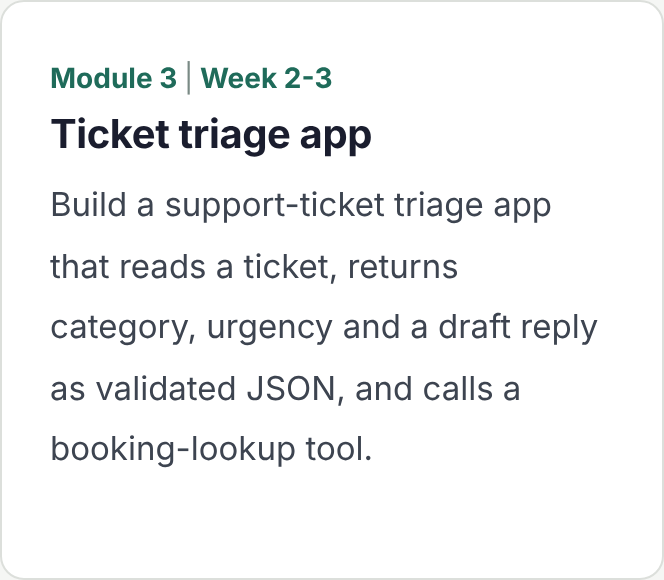
Hands-on Build a support-ticket triage app that reads a ticket, returns category, urgency and a draft reply as validated JSON, and calls a
booking-lookup tool.
RAG: retrieval-augmented generation
The most-deployed GenAI pattern in business: answers grounded in your own
documents.
What you'll learn
- Embeddings and semantic similarity
- Loading and chunking PDFs, web pages and policies
- Vector databases: Chroma, pgvector and Pinecone
- Document Q&A with source citations
- Advanced RAG: hybrid search, re-ranking, query rewriting and metadata filters
- RAG evaluation: faithfulness, relevance and retrieval quality with RAGAS
Tools you use
- LangChain loaders, splitters and retrievers
- Chroma, pgvector and Pinecone
- RAGAS for evaluation
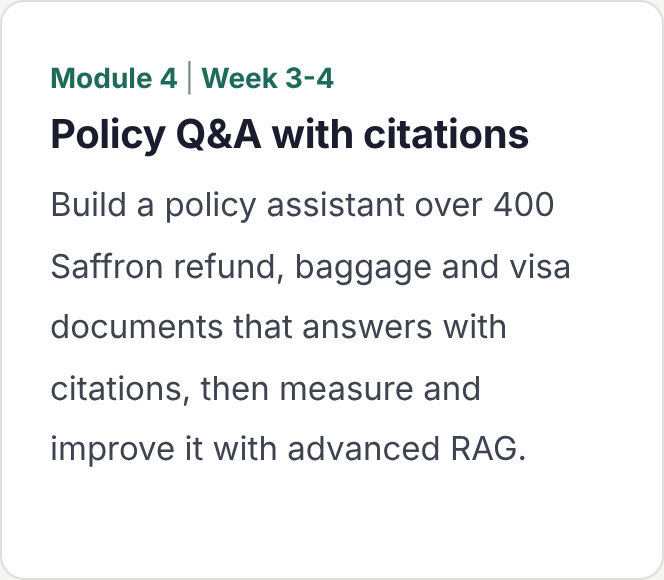
Hands-on Build a policy assistant over 400 Saffron refund, baggage and visa documents that answers with citations, then measure and improve it with advanced RAG.
AI agents: concepts and architecture
What makes an agent different from an assistant, built from first principles before any
framework.
What you'll learn
- AI assistant versus AI agent: when you actually need an agent
- Agent architecture: model, tools, memory and control loop
- The ReAct pattern: reasoning and acting
- Tools and function calling inside an agent loop
- Short-term and long-term memory, and managing state
- Planning, reflection and stopping conditions
Tools you use
- Plain Python and the OpenAI and Anthropic SDKs, no framework
- Web search and calculator tools
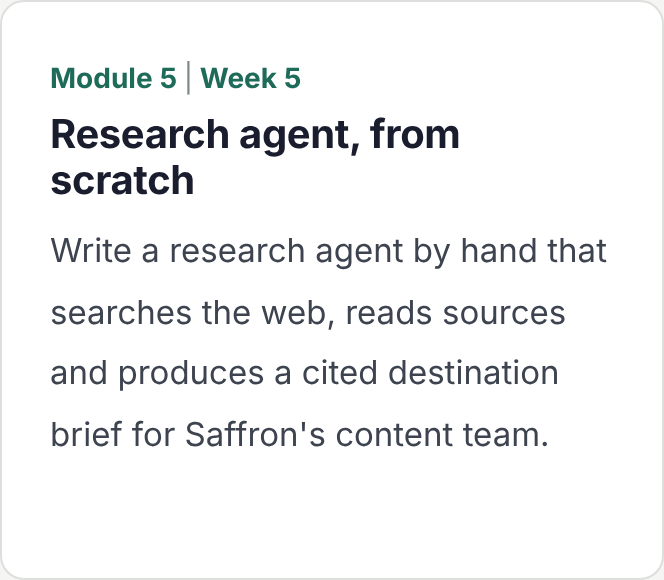
Hands-on Write a research agent by hand that searches the web, reads sources and produces a cited destination brief for Saffron’s
content team.
LangChain and LangGraph
The frameworks most GenAI teams build on, learned properly once you know what
they do underneath.
What you'll learn
- LangChain: models, prompts, output parsers, retrievers and tools
- LangGraph: state, nodes, edges and conditional routing
- Persistent memory and checkpoints
- Human-in-the-loop approval steps
- Adding RAG as a tool inside an agent
- Streaming and debugging agent runs
Tools you use
- LangChain
- LangGraph
- LangSmith tracing from the first run
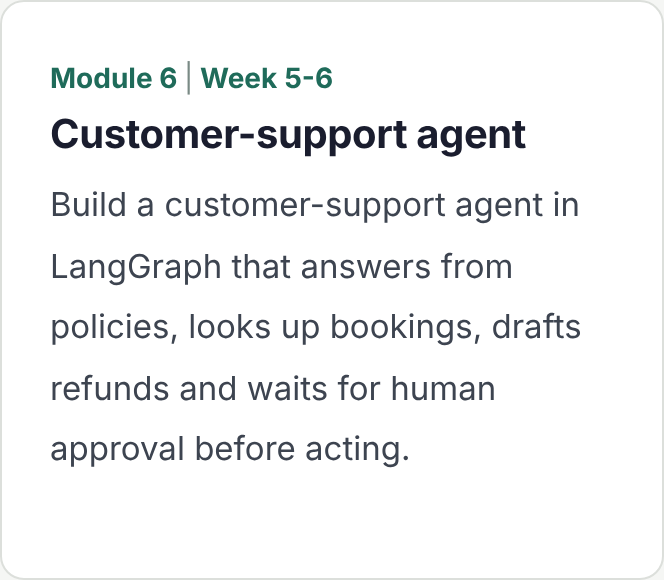
Hands-on Build a customer-support agent in LangGraph that answers from policies, looks up bookings, drafts refunds and waits for human approval before acting.
MCP, CrewAI and AutoGen
The Model Context Protocol for connecting agents to tools and data, and the
other agent frameworks you will meet at work.
What you'll learn
- What MCP is and why it matters: one standard for tools and data
- MCP servers and clients: tools, resources and prompts
- Building an MCP server in Python
- Connecting MCP servers to Claude Desktop and to your own agents
- Security and permissions for exposed tools
- CrewAI and AutoGen compared with LangGraph: when to use which
Tools you use
- MCP Python SDK
- Claude Desktop as an MCP client
- CrewAI and AutoGen
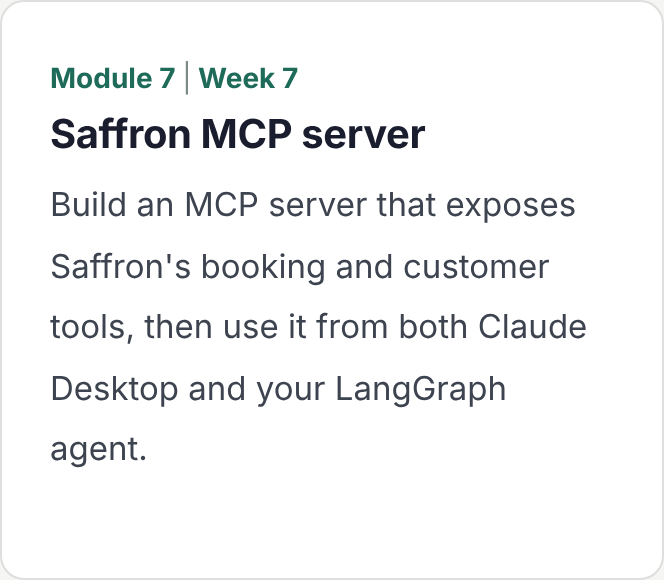
Hands-on Build an MCP server that exposes Saffron’s booking and customer tools, then use it from both Claude Desktop and your
LangGraph agent.
AI automation with n8n
Putting AI into business workflows: triggers, decisions and actions across the tools
teams already use.
What you'll learn
- n8n basics: triggers, nodes, credentials and self-hosting
- AI nodes and AI agent workflows in n8n
- Multi-step automation with branching and error handling
- Connecting APIs, email, Google Sheets, Slack and CRMs
- Webhooks: calling your own Python agents from n8n
- When to use n8n and when to write code
Tools you use
- n8n, self-hosted
- Webhooks to your FastAPI agent
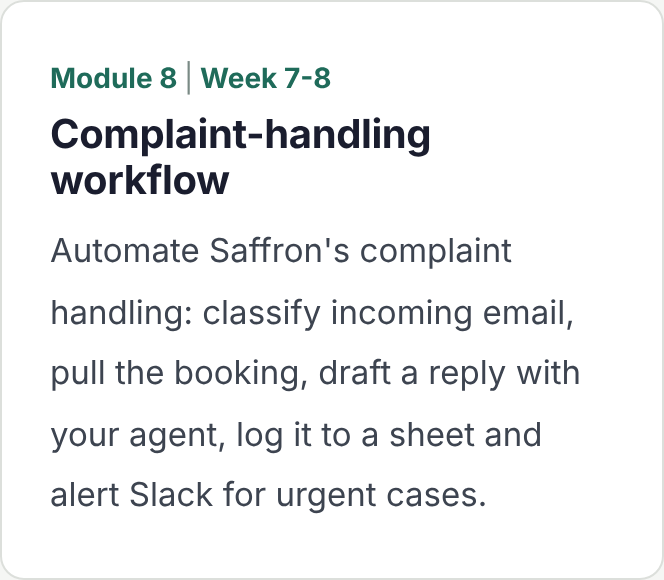
Hands-on Automate Saffron’s complaint handling: classify incoming email, pull the booking, draft a reply with your agent, log it to a
sheet and alert Slack for urgent cases.
Multi-agent systems
When one agent is not enough: teams of agents that divide work and check each other.
What you'll learn
- When to use multiple agents, and when not to
- Agent collaboration patterns: sequential, parallel and debate
- Supervisor and hierarchical agents
- Multi-agent workflows in LangGraph
- Shared state, hand-offs and failure handling
- Real-world use cases in support, research and operations
Tools you use
- LangGraph supervisor patterns
- CrewAI for comparison
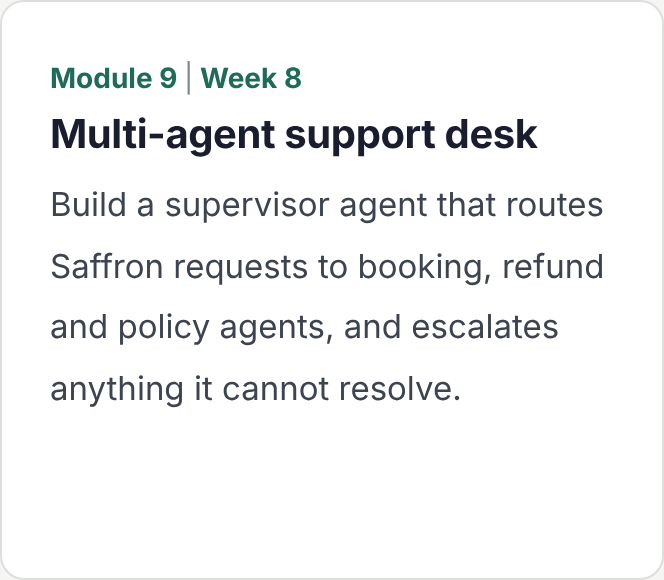
Hands-on Build a supervisor agent that routes Saffron requests to booking, refund and policy agents, and escalates anything it cannot
resolve.
AI evaluation, observability and guardrails
The difference between a demo and a system a business will put in front of customers.
What you'll learn
- Evaluating LLM responses: reference-based, rubric and LLM-as-judge
- Agent evaluation: task success, tool-call accuracy and trajectories
- Tracing and monitoring with LangSmith
- Datasets, experiments and regression testing
- Cost, latency and token monitoring
- Guardrails: prompt injection, PII and unsafe actions
Tools you use
- LangSmith
- RAGAS
- Guardrail checks in code
Hands-on Build an evaluation suite for your support agent in LangSmith, run it before and after a change, and test it against prompt-injection attempts.
Capstone: build and deploy your own AI agent
Choose one of four tracks and take it from design to a deployed, evaluated agent.
What you'll do
- Choose a track: RAG chatbot, research AI agent, customer-support agent or multi-agent business workflow
- Design the architecture and choose the tools
- Build with LangChain, LangGraph, MCP or n8n as the problem needs
- Evaluate it in LangSmith against a test set
- Deploy with FastAPI or Streamlit in Docker
- Give a 15-minute presentation to a review panel
How it's assessed
- You choose the stack and justify it
- The panel asks you to show your traces and evaluation results
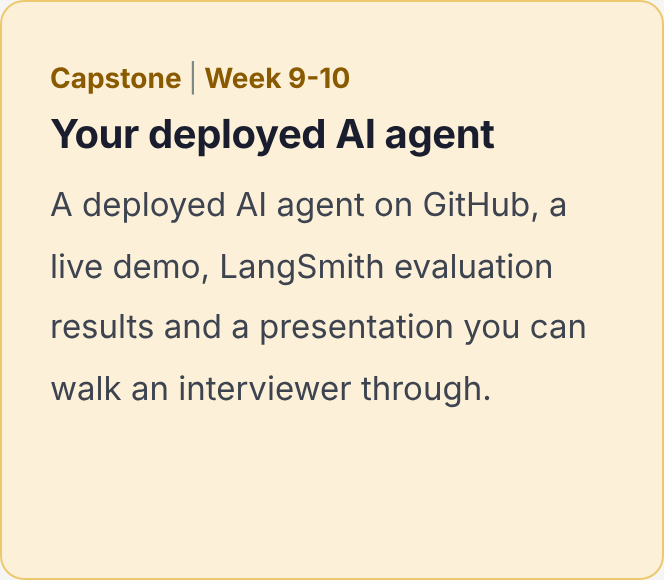
You leave with A deployed AI agent on GitHub, a live demo, LangSmith evaluation results and a presentation you can walk
an interviewer through.
Who it's for, and how it
runs
Built for people aiming at GenAI engineer, AI agent developer and AI automation roles, whether starting out or moving across from software, data or operations. You need basic Python; everything else is taught from the start.
This course suits you if you are
A software
developer
Who wants to add LLM applications, RAG and agents to what you can build.
A data analyst or data scientist
Comfortable with Python, and ready to move from models and dashboards into generative AI.
A graduate or final-year student
With basic Python, aiming for a first role in one of the fastest-growing areas of tech.
An automation or RPA professional
Who wants to add AI decision-making to workflows with n8n and agents.
A solutions or presales consultant
Who needs to build working AI prototypes, not just describe them.
A working
professional
Able to commit to 10 weeks of live sessions, with time between sessions to finish labs and projects.
One business, seven projects
and a capstone
Every project uses Saffron Travel, a fictional online travel company with a busy support desk,
hundreds of policy documents and a growing list of manual processes. Each module builds on
the last, so by the end you can take one real business question from a single API call to a deployed agent:
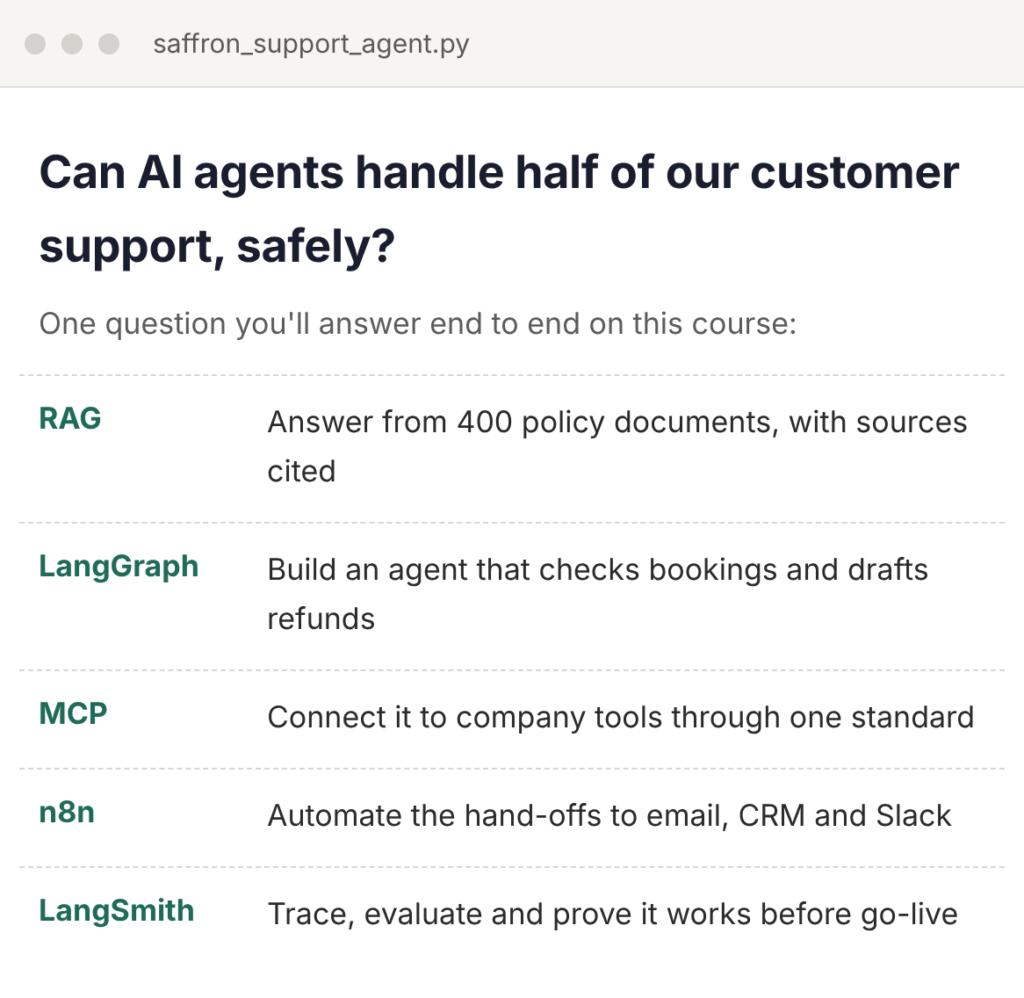
Can AI agents handle half of our
customer support, safely?
Roles this course prepares you for
The skills map directly to the GenAI and agent roles companies are hiring for now.
Generative AI Engineer
Build LLM applications, RAG systems and AI features into company products.
AI Agent Developer
Design, build and evaluate agents and multi-agent workflows with LangGraph and MCP.
LLM Application Developer
Turn APIs, tool calling and structured outputs into reliable, deployed apps.
AI Automation
Specialist
Automate business processes end to end with n8n, LLMs and connected tools.
Applied AI or AI Solutions Engineer
Prototype and deliver AI solutions for clients and internal teams.
Software or Data Engineer, GenAI focus
Add retrieval, agents and evaluation to the systems you already build.
Frequently Asked Questions
You need basic Python: variables, loops, functions and working with lists and dictionaries. Everything from API calls onwards is taught from the start. [Add any pre-course Python primer you offer here.]
No. The course works with hosted model APIs, so any recent laptop that runs Python, VS Code and Docker is enough.
[Confirm before publishing: whether API credits are provided, or learners use their own OpenAI and Anthropic keys, and the typical cost across the course.] Labs are designed to keep usage small.
You don’t learn them equally. LangChain and LangGraph are the core you build with throughout, MCP and n8n cover tool access and automation, and CrewAI and AutoGen are covered so you can compare approaches and choose well in interviews and at work.
n8n can be self-hosted for free, which is what we use in the labs. A paid cloud version also exists, but you don’t need it for the course.
Because agents fail in ways that look like success: a wrong tool call, a confident answer from the wrong document. Employers hire people who can trace, test and fix that. That needs the underlying skill.
A GitHub portfolio with seven projects, a deployed AI agent from your capstone, and LangSmith evaluation results that show it works. [Add any placement or career support you offer here.]
[Recordings are shared after every session, and you can bring questions to the next doubt-clearing slot.]