
Business intelligence course with generative AI
AI-Powered
Business Analytics
Turn business data into AI-powered decisions. Learn Excel, SQL, statistics,
Power BI and practical Python the way business analysts use them at
work, with ChatGPT, Claude, Gemini and Copilot built into every module.
Start from zero and finish with three portfolio projects and a recommendation you can defend.
12 Weeks
Course duration
65+ Hours
Guided learning
3 Projects
Plus a capstone
Beginner
No coding needed
Weekend batch. Live online, instructor-led.
Next batch: 19 Jan 2027 Weekend batch: Saturday & Sundays Seats per batch: 25
Reserve a seat
What you will be able to do
The tools business analyst job descriptions ask for, and the AI skills that now set candidates
apart. You use every one on real business problems.
Excel
Clean data, build pivot-driven analysis and dashboards, and speed it up with Copilot.
SQL
Combine business data and build KPIs with joins, CTEs and window functions.
Statistics
Tell real changes from noise, run A/B tests and build simple regression models.
Power BI
Model data, write DAX and build interactive KPI dashboards with AI features.
Python
Practical pandas for cleaning, exploring and segmenting data. No heavy programming.
GenAI for analysis
ChatGPT, Claude and Gemini to draft formulas, queries and code, and to find and explain insights.
AI-assisted decisions
Forecasts and scenarios turned into a recommendation leaders can act on.
AI agents, introduced
Analyst, SQL and report agents, and simple automated workflows connected to business tools.
Why business analytics with AI, and why now
Excel, SQL and Power BI still appear in almost every business
analyst job description. What has changed is that employers
now expect you to use AI tools to work faster, and to know
when their answers are wrong. Switch between the two to
see the difference.
What you learn
Excel, SQL and a dashboard tool, each taught on its own.
How you work
Every formula, query and chart built by hand, slowly.
Projects
Separate exercises on unrelated, overused datasets.
Quality of your models
AI use is left to you, with no guidance on checking it.
Interview readiness
Tool knowledge, and little practice explaining a recommendation.
How every module is taught
AI is not a separate add-on at the end. It sits inside each topic, used the way
working analysts use it.
Skill first
You write the formula, the query and the analysis yourself before any AI shortcut. You can’t check AI output in a skill you don’t have.
Then speed it up
You use ChatGPT, Claude, Gemini and Copilot to draft formulas, SQL and Python, explain unfamiliar results and write up findings.
Always verify
Every AI step is followed by a check: a total reconciled to source, a row count, a sense check against the business. Managers act on numbers they can trust.
Curriculum
Nine modules and a capstone, from your first business question to an AI-assisted
recommendation. Highlighted modules are where AI takes centre stage. Open any module to see
topics, where AI comes in, and what you build.
Business analytics foundations
How analysts think before they touch any tool: the business question, the right
KPI and the decision it supports.
What you'll learn
- Business problem solving: framing the question and breaking it down
- Business KPIs for sales, marketing, finance and operations
- Descriptive, diagnostic, predictive and prescriptive analytics
- Descriptive, diagnostic, predictive and prescriptive analytics
- How large language models work, and why they get numbers wrong
- Data privacy: what should never be pasted into a public AI tool
Tools you use
- Using AI to brainstorm KPIs and hypotheses, then choosing the ones that matter
- A checking routine for any number an AI gives you
Hands-on Break Brightcart’s West region profit problem into a question tree, choose the KPIs that would answer it, and list the data
you’ll need.
Excel for business analytics
Still the most-used analytics tool in business. You’ll go from messy exports to
a working analysis and dashboard.
What you'll learn
- Data cleaning: text, dates, duplicates and Power Query basics
- Lookups: XLOOKUP, INDEX-MATCH and dynamic arrays
- Logical and conditional formulas for business rules
- Pivot tables and pivot charts
- Margin, contribution and variance analysis
- Interactive Excel dashboards with slicers
Where GenAI comes in
- Drafting complex formulas with AI, then testing them on known values
- Copilot in Excel to summarise and chart data (demonstrated)
- Asking AI to explain a workbook someone else built
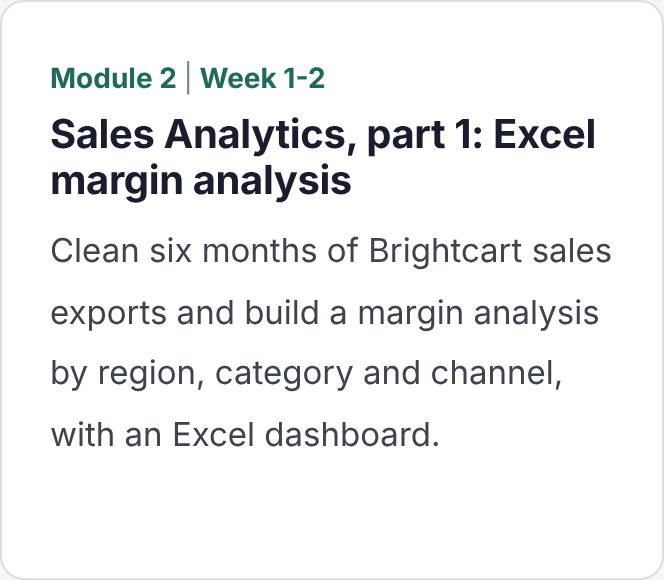
Hands-on Clean six months of Brightcart sales exports and build a margin analysis by region, category and channel, with an Excel
dashboard.
SQL for business analytics
Real business data lives in databases. SQL lets you get it yourself, at any scale.
What you'll learn
- How relational databases work: tables, keys and relationships
- SELECT, WHERE, ORDER BY, GROUP BY and HAVING
- Joins across orders, customers, products and stores
- Subqueries and CTEs
- Window functions: rankings, running totals and period-over-period change
- Business KPI queries: revenue, margin, retention and repeat rate
Where GenAI comes in
- Turning a business question into SQL with AI, then checking row counts and totals
- Explaining long queries line by line
- Diagnosing wrong results and duplicate rows from bad joins
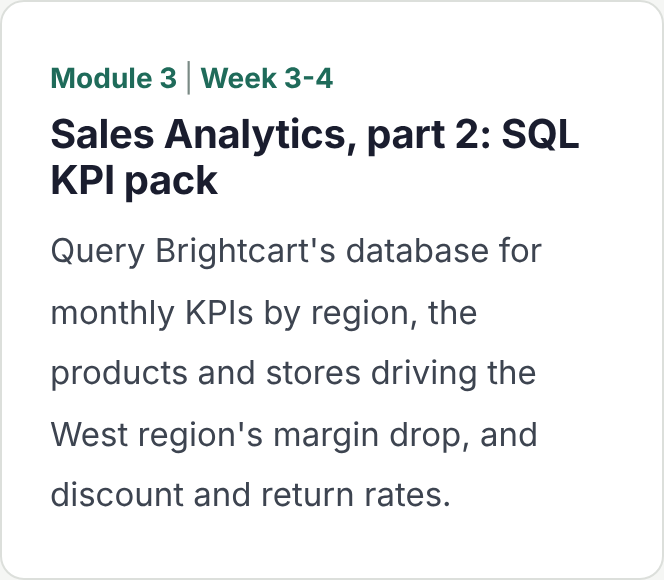
Hands-on Query Brightcart’s database for monthly KPIs by region, the products and stores driving the West region’s margin drop, and discount
and return rates.
Statistics for business
Enough statistics to tell a real change from noise, and to back a recommendation
with evidence.
What you'll learn
- Descriptive statistics and distributions
- Probability for business situations
- Correlation, and why it isn't causation
- Hypothesis testing: p-values and confidence intervals in plain language
- Regression basics for drivers and simple forecasts
- A/B testing: design, sample size and reading the results
Where GenAI comes in
- Asking AI to choose a test, then explaining the choice in your own words
- Catching common AI errors, such as misreading a p-value
Hands-on Test whether Brightcart’s new free-delivery threshold really increased average order value, and estimate what drives store margin with a simple regression.
Power BI and business intelligence
Turn your analysis into dashboards people actually use to run the business.
What you'll learn
- Power Query: connecting and shaping data from Excel and SQL
- Data modelling: star schema, relationships and date tables
- DAX fundamentals: measures, CALCULATE and time intelligence
- Interactive dashboards: slicers, drill-through and tooltips
- KPI dashboard design for leadership
- Publishing and sharing in Power BI Service
Where GenAI comes in
- Drafting DAX with AI, then reconciling it to your SQL totals
- Copilot in Power BI and AI visuals such as key influencers (demonstrated)
- AI-drafted dashboard commentary, checked against the numbers
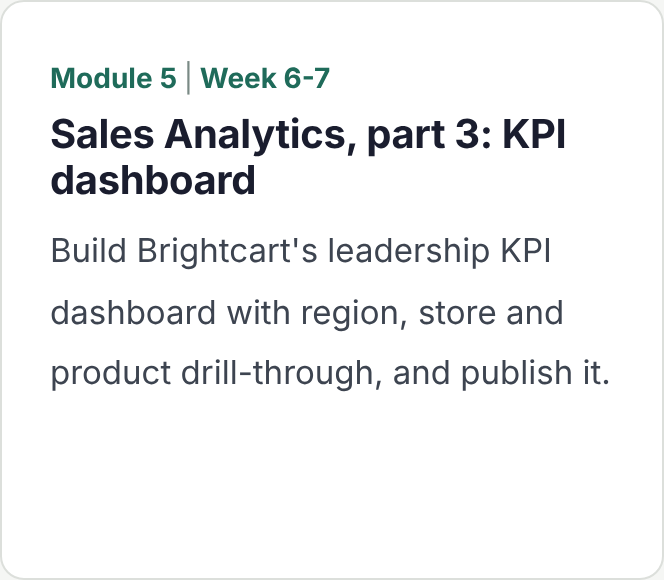
Hands-on Build Brightcart’s leadership KPI dashboard with region, store and product drill-through, and publish it.
Generative AI for business analytics
Using ChatGPT, Claude and Gemini as a working analyst’s assistant: faster analysis,
clearer insight, better reports.
What you'll learn
- ChatGPT, Claude and Gemini compared for analysis work
- Prompt engineering for analysts: context, role, format and examples
- Analysing uploaded files with AI, and checking the results
- AI-assisted Excel, SQL and Python, side by side
- Generating and testing insights
- Data storytelling and AI-assisted report and slide generation
Where GenAI comes in
- This whole module
- Reusable prompt templates for analysis, insight and reporting
- Spotting confident but wrong AI insights
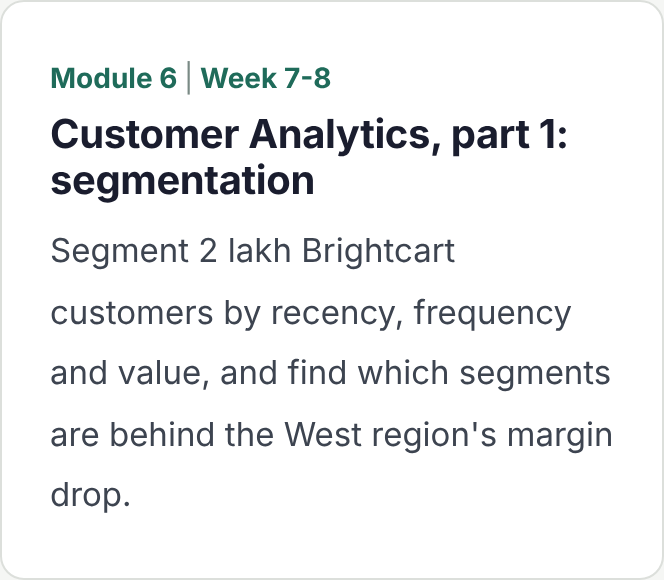
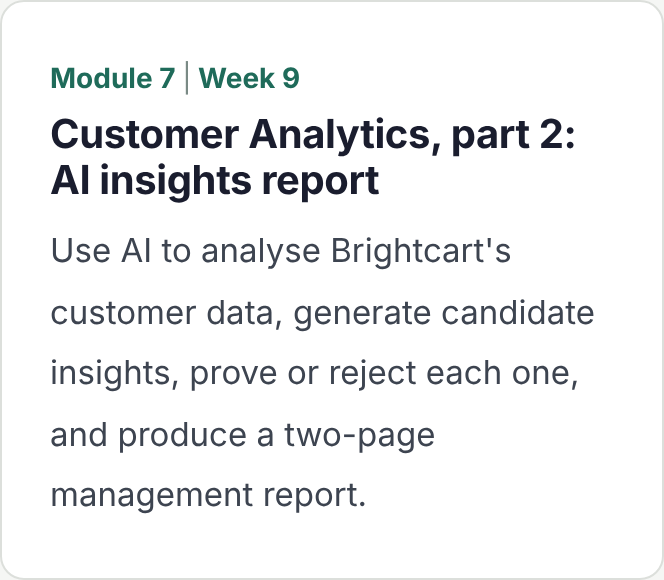
Hands-on Use AI to analyse Brightcart’s customer data, generate candidate insights, prove or reject each one, and produce a two-page management report.
AI-powered business decision making
Moving from what happened to what to do next.
What you'll learn
- Root-cause analysis with driver trees
- Forecasting: moving averages, seasonality and Excel and Power BI forecasts
- Scenario and what-if analysis
- Risk analysis: what could go wrong and how much it costs
- Turning analysis into ranked recommendations
- AI-assisted decision making, and where human judgement must stay
Where GenAI comes in
- AI to generate scenarios and challenge your assumptions
- Drafting recommendations with AI, then stress-testing them against the data
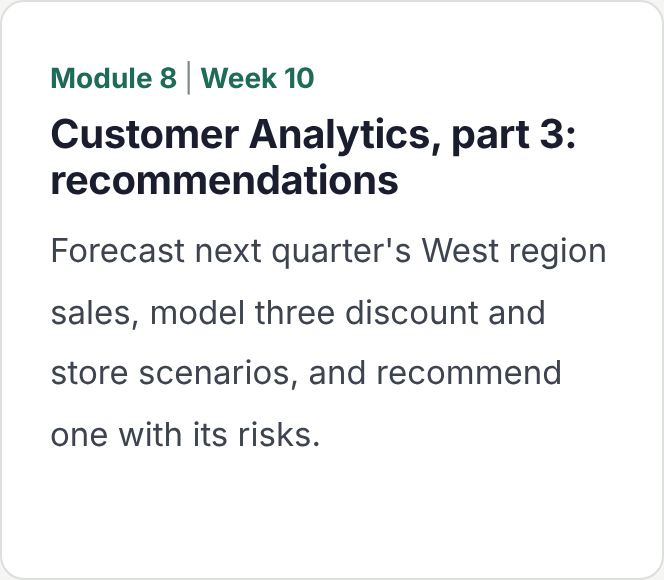
Hands-onForecast next quarter’s West region sales, model three discount and store scenarios, and recommend one with its risks.
Who it's for, and how it
runs
Built for people aiming at business analyst and data analyst roles, and for professionals who want to make better decisions with their own data. No coding background is needed. The weekend batch fits around a full-time job.
This course suits you if you are
A graduate or final-year student
From commerce, management, engineering or economics, aiming for a first analyst role.
An MBA or management student
Who wants hands-on analytics skills to go with the business frameworks.
A sales, marketing, finance or operations professional
Who wants to answer your own business questions without waiting for a data team.
An Excel or MIS professional
Ready to move from reporting into
analysis, dashboards and recommendations.
A career switcher
Moving into analytics from another field, with no coding background.
Busy on weekdays
Able to give your weekends for 12 weeks, with time between sessions to finish projects.
One business, three portfolio projects
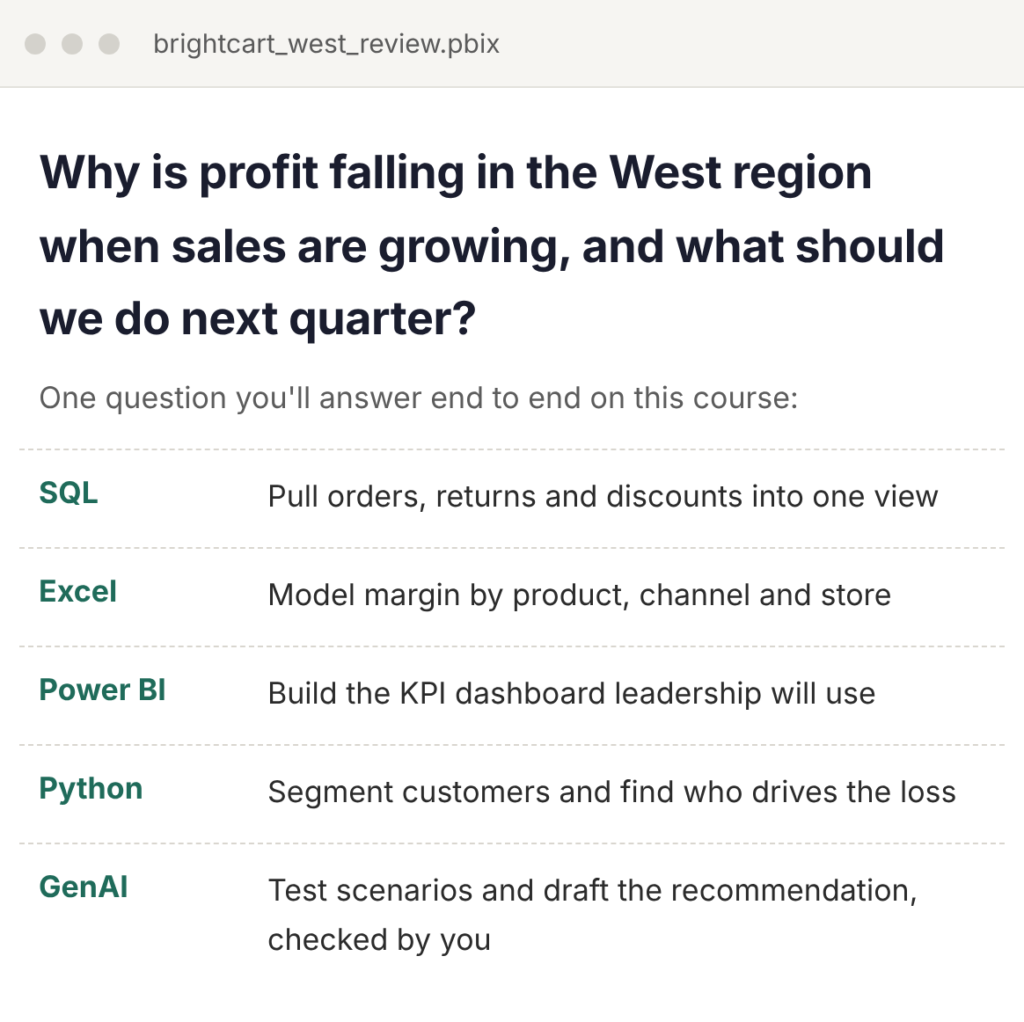
Every project uses Brightcart, a fictional home and personal-care retailer selling online and
through 120 stores across four regions of India. You build three portfolio projects in stages as the
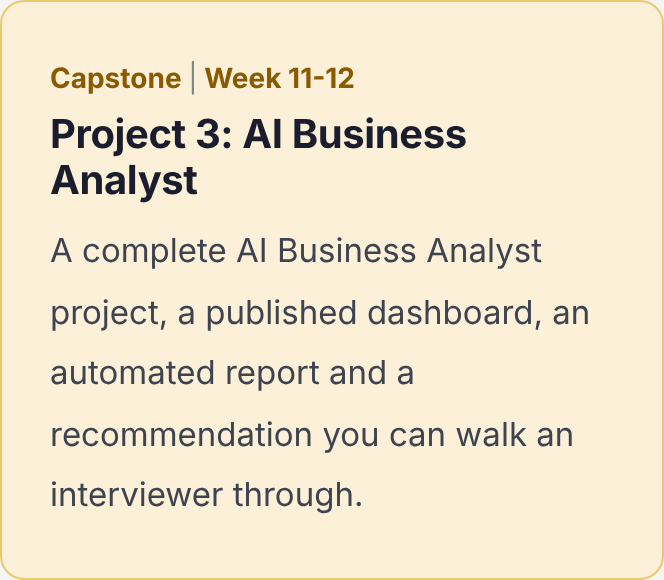
course goes on: Sales Analytics, Customer Analytics and, in the capstone, an AI Business Analyst
project that answers one real business question:
Why is profit falling in the West region
when sales are growing, and what
should we do next quarter?
Roles this course prepares you for
The skills map directly to the BI and analytics roles companies hire for most often.
Business Analyst
Frame business problems, analyse data and turn findings into recommendations.
Data Analyst
Pull, clean and analyse data with SQL, Excel and Python, and explain what it shows.
BI or MIS Analyst
Build and own KPI dashboards and reports that teams use every day.
Sales or Marketing
Analyst
Track performance, segment customers and measure campaigns and offers.
Operations or Supply Chain Analyst
Forecast demand, find root causes and test what-if scenarios.
Product or Growth
Analyst
Run A/B tests and measure what product and pricing changes really do.
Frequently Asked Questions
Yes. Excel, SQL and Power BI come first, and by the time Python starts in week 7 you’ll be comfortable working with data. Python is taught for practical analysis only, not as a programming course.
No. The free versions of ChatGPT, Claude and Gemini cover almost everything on the course. Copilot in Excel and Power BI needs a paid Microsoft licence, so we demonstrate it in class and every exercise has a free route.
Power BI Desktop runs on Windows. Mac users can join using a Windows virtual machine. Everything else on the course works on Windows or Mac. [Add any lab access you provide here.]
Because AI analysis is often nearly right, and a nearly right profit figure is the dangerous kind of wrong. Employers hire analysts who can read, test and fix what an AI produces. That needs the underlying skill.
You’ll get a practical introduction: what agents are, how analyst, SQL and report agents work, and how to set up a simple automated analytics workflow. Building agents in code is covered in our Agentic AI Engineering course.
Three portfolio projects on one business, a published Power BI dashboard, and a recommendation you have presented to a review panel. [Add any placement or career support you offer here.]
[Recordings are shared after every session, and you can bring questions to the next doubt-clearing slot.]