
Business intelligence course with AI, Copilot and Fabric
Power BI & Business Intelligence with AI
Master Power BI from fundamentals to advanced business intelligence:
data connectivity, data modelling, DAX, Power BI Service, gateways,
Microsoft Fabric and Copilot. Build interactive dashboards, connect data
from multiple sources and deploy BI solutions the way real businesses
run them, with AI built into every module.
7 Weeks
Course duration
60+ Hours
Guided learning
10 Projects
Plus a capstone
Beginner
To advanced
Weekend batch. Live online, instructor-led.
Next batch: 10 Jan 2027 Weekend batch: Saturday & Sundays Seats per batch: 25
Reserve a seat
Why Power BI with AI, and
why now
Power BI, DAX and data modelling still appear in almost every
BI job description. What has changed is that employers now also
expect you to work with Copilot and Microsoft Fabric, and to catch
AI when it’s wrong. Switch between the two to see the difference.
What you learn
Report building in Power BI Desktop, often stopping at basic DAX.
How you work
Visuals built on clean sample files, refreshed by hand.
Projects
One-off demos on unrelated, overused datasets.
Quality of your models
AI use is left to you, with no guidance on checking it.
Interview readiness
pbix file on your laptop, and little practice explaining it.
How every module is taught
AI is not a separate add-on at the end. It sits inside each topic, used the way working BI
developers use it.
Skill first
You build the query, the model and the DAX measure yourself before any AI shortcut. You can’t check a Copilot measure in a skill you don’t have.
Then speed it up
You use Copilot in Power BI, Microsoft Copilot, ChatGPT and Claude to draft DAX, Power Query steps, report pages and executive summaries.
Always verify
Every AI step is followed by a check: a total reconciled to source, a filter tested by hand, a row count, a security role tested as a real user. Businesses want dashboards that can be trusted.
Curriculum
Ten modules and a capstone, in the order a BI solution is actually built: from your first report to
a secured app on scheduled refresh. Open any module to see topics, where AI comes in, and the
project you build.
-
AI and BI basics
-
Power Query
-
Data modelling
-
DAX basics
-
Advanced DAX
-
Report design
-
AI and Copilot
-
Microsoft Fabric
-
Service and gateways
-
Security and Governance
-
Capstone
Power BI and AI foundations
A short opening module so you know how BI work is organised, and use AI tools well
from day one.
What you'll learn
- What business intelligence is, and where Power BI and Fabric fit
- Power BI Desktop, Service and Mobile: what each is for
- Your first report: load, shape, visualise and publish
- How large language models produce answers, and why they sometimes make things up
- Prompting for BI work: context, role, output format and an example
- Data privacy: what should never be pasted into a public AI tool
Where GenAI comes in
- This whole module: the working habits every later module builds on
- Reusable prompt templates for DAX, Power Query and report commentary
- A checking routine for any number an AI gives you
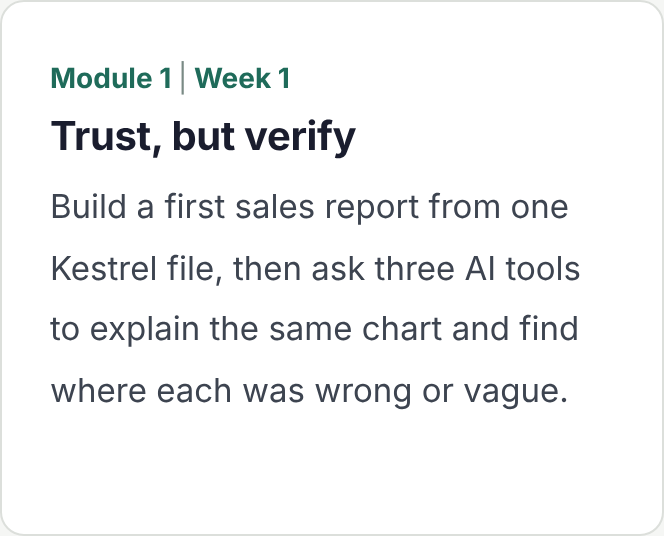
Hands-on Build a first sales report from one Kestrel file, then ask three AI tools to explain the same chart and find where each was
wrong or vague.
Data connectivity and Power Query
Real BI starts with data that lives in many places. You learn to connect it, clean it and
keep it refreshable.
What you'll learn
- Connecting to Excel, CSV, folders, SQL Server, SharePoint and web sources
- Import, DirectQuery and composite models: when to use each
- Data types, splitting, merging and appending queries
- Unpivoting, grouping, and handling nulls and errors
- Parameters and custom functions for repeatable cleaning
- Query folding and why it matters for refresh speed
Where GenAI comes in
- Drafting Power Query steps for messy imports, then reading the M code
- Explaining an unfamiliar query someone else built
- Generating test data to check a transformation
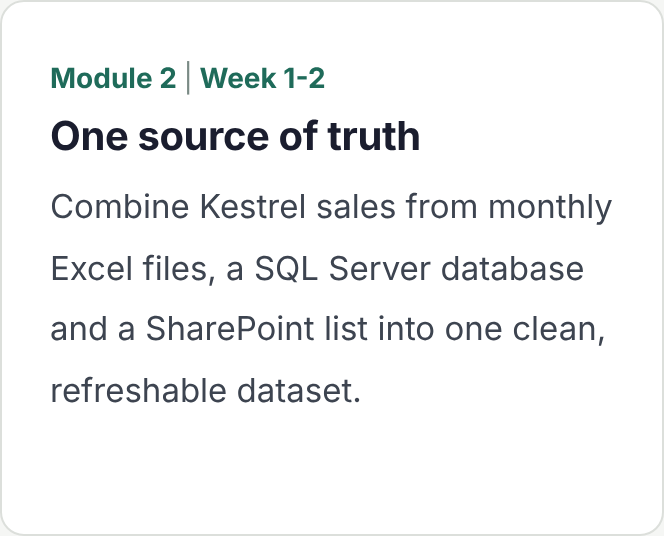
Hands-on Combine Kestrel sales from monthly Excel files, a SQL Server database and a SharePoint list into one clean, refreshable dataset.
Data modelling
The step most self-taught users skip, and the one that decides whether a report is fast
and correct.
What you'll learn
- Fact and dimension tables, and the star schema
- Relationships, cardinality and filter direction
- Date tables and why every model needs one
- Role-playing dimensions and inactive relationships
- Model size, data types and common modelling mistakes
Where GenAI comes in
- Asking AI to propose a star schema from a flat table, then fixing what it gets wrong
- Documenting a model in plain English for business users
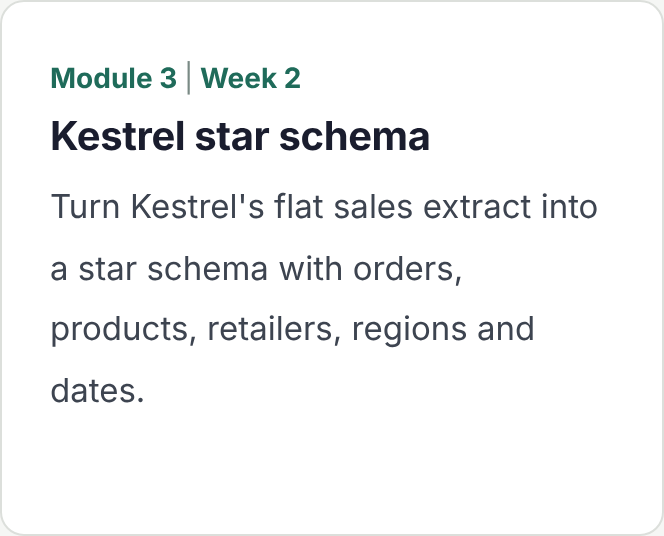
Hands-on Turn Kestrel’s flat sales extract into a star schema with orders, products, retailers, regions and dates.
DAX fundamentals
DAX is the skill interviewers test most for Power BI roles. You learn to write measures you can explain line by line.
What you'll learn
- Calculated columns versus measures
- Aggregations: SUM, AVERAGE, COUNTROWS and DISTINCTCOUNT
- Row context and filter context
- CALCULATE and filter modifiers: ALL, REMOVEFILTERS and KEEPFILTERS
- Logical, text and date functions
- Variables for readable, faster measures
Where GenAI comes in
- Turning a business rule into a DAX measure, then explaining it back
- Debugging a measure that returns the wrong total
- Checking AI-written DAX against a hand-calculated figure
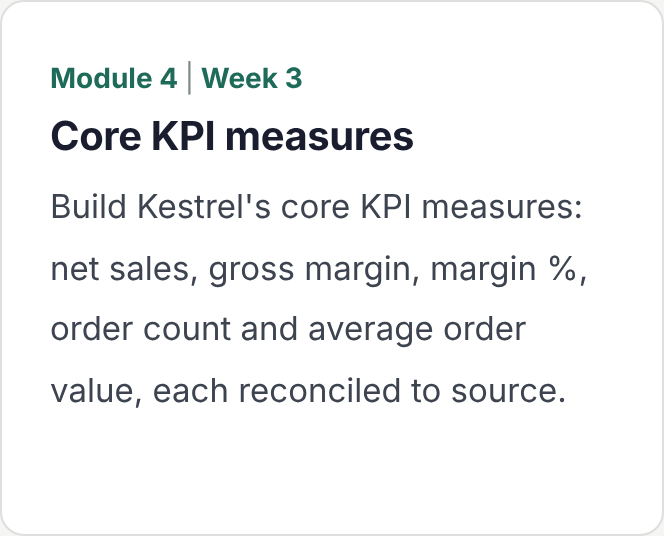
Hands-on Build Kestrel’s core KPI measures: net sales, gross margin, margin %, order count and average order value, each reconciled to source.
Advanced DAX and time intelligence
The measures finance and leadership teams ask for, built properly and fast.
What you'll learn
- Time intelligence: year to date, same period last year and rolling averages
- Iterators such as SUMX and AVERAGEX
- Ranking with RANKX and TOPN
- Calculation groups and field parameters
- Virtual tables with SUMMARIZE, ADDCOLUMNS and TREATAS
- Measure performance with DAX Studio and Performance Analyzer
Where GenAI comes in
- Drafting complex measures with AI, then testing them against known answers
- Explaining why two similar measures return different numbers
- Asking AI to suggest why a measure is slow, then confirming it in DAX Studio
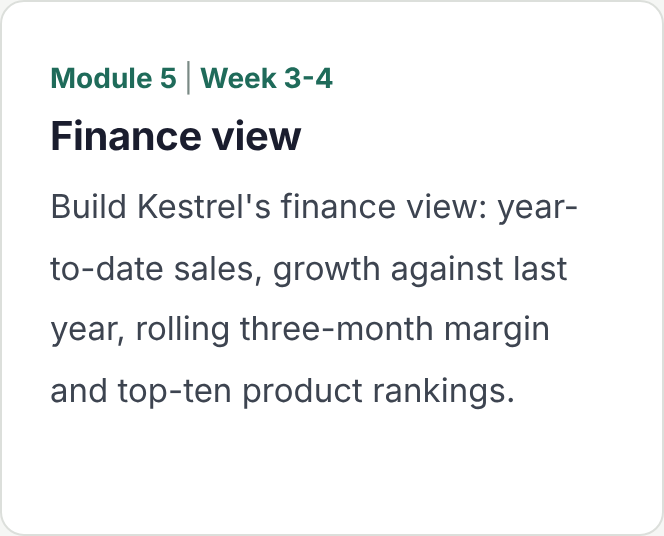
Hands-on Build Kestrel’s finance view: year-to-date sales, growth against last year, rolling three-month margin and top-ten product rankings.
Report design and data storytelling
Dashboards built for decisions, not decoration.
What you'll learn
- Choosing the right visual for the question
- Layout, colour and themes for readable reports
- Slicers, drill-down, drill-through and tooltips
- Bookmarks, buttons and page navigation
- Mobile layouts
- Accessibility: contrast, alt text and tab order
Where GenAI comes in
- AI-drafted titles and commentary, checked against the numbers
- Reviewing a report page with AI for clarity and clutter
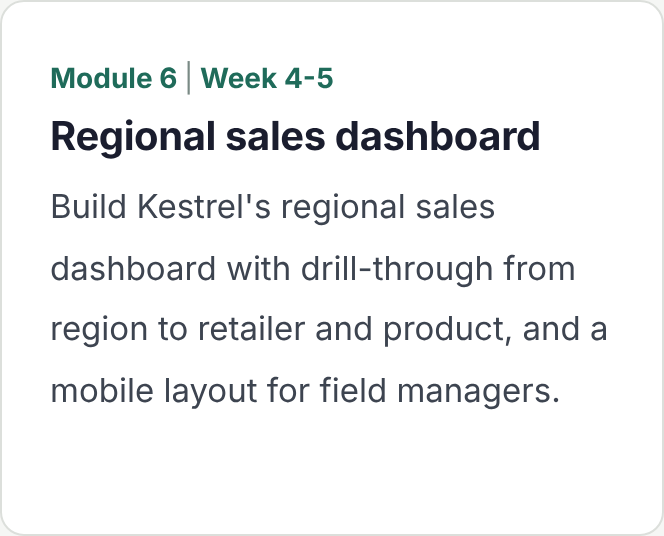
Hands-on Build Kestrel’s regional sales dashboard with drill-through from region to retailer and product, and a mobile layout for field managers.
AI in Power BI and Copilot
The AI features built into Power BI, and how to use them without trusting them blindly.
What you'll learn
- Copilot in Power BI: drafting report pages, summaries and DAX
- Preparing a semantic model so Copilot gives better answers
- Q&A visuals and natural-language queries
- Key influencers, decomposition tree and smart narrative
- Anomaly detection and forecasting in visuals
Where GenAI comes in
- Spotting a confident but wrong Copilot answer
- Writing executive summaries with AI, reconciled to source
- Deciding where Copilot helps, and where a plain measure is safer
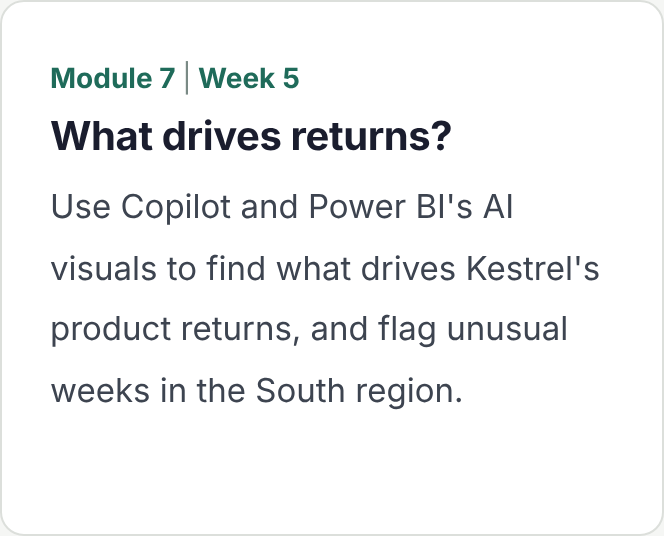
Hands-onUse Copilot and Power BI’s AI visuals to find what drives Kestrel’s product returns, and flag unusual weeks in the South region.
Microsoft Fabric for BI
Where enterprise Power BI is heading. You learn enough Fabric to build and feed a
model the modern way.
What you'll learn
- What Microsoft Fabric is and how it relates to Power BI
- OneLake, lakehouses and warehouses
- Dataflows Gen2 and data pipelines
- Direct Lake semantic models
- Notebooks at an introductory level
Where GenAI comes in
- Copilot in Fabric to draft dataflow steps
- Using AI to explain an unfamiliar pipeline before you change it
Hands-on Land Kestrel data in a Fabric lakehouse with a pipeline, and build a Direct Lake semantic model on top of it.
Power BI Service and data gateways
Getting reports to the people who use them, and keeping the data fresh without
anyone pressing refresh.
What you'll learn
- Workspaces, roles, apps and audiences
- Publishing, sharing and subscriptions
- On-premises data gateway: standard versus personal mode
- Installing a gateway and configuring data sources and credentials
- Scheduled refresh, incremental refresh and refresh history
- Troubleshooting failed refreshes
Where GenAI comes in
- Reading refresh error messages with AI, then confirming the cause
- Drafting user guides and release notes for a published app
Hands-on Publish Kestrel’s reports as an app, connect the on-premises SQL Server source through a gateway, and set up scheduled
and incremental refresh.
Security, deployment and governance
What turns a set of reports into a BI solution a business can rely on.
What you'll learn
- Row-level security, static and dynamic
- Object-level security and testing roles as a real user
- Deployment pipelines: development, test and production
- Sensitivity labels, endorsement and lineage
- Usage metrics and monitoring
- Licensing basics: what needs Pro, Premium Per User or Fabric capacity
Where GenAI comes in
- Drafting row-level security rules with AI, then testing them with realistic user scenarios
- Writing a governance checklist with AI, checked against your own setup
Hands-on Add dynamic row-level security so each of Kestrel’s five regional managers sees only their region, and move the app through a deployment pipeline.
Capstone project
Answer the opening question yourself, from scattered source data to a deployed solution, using every skill on the course.
What you'll learn
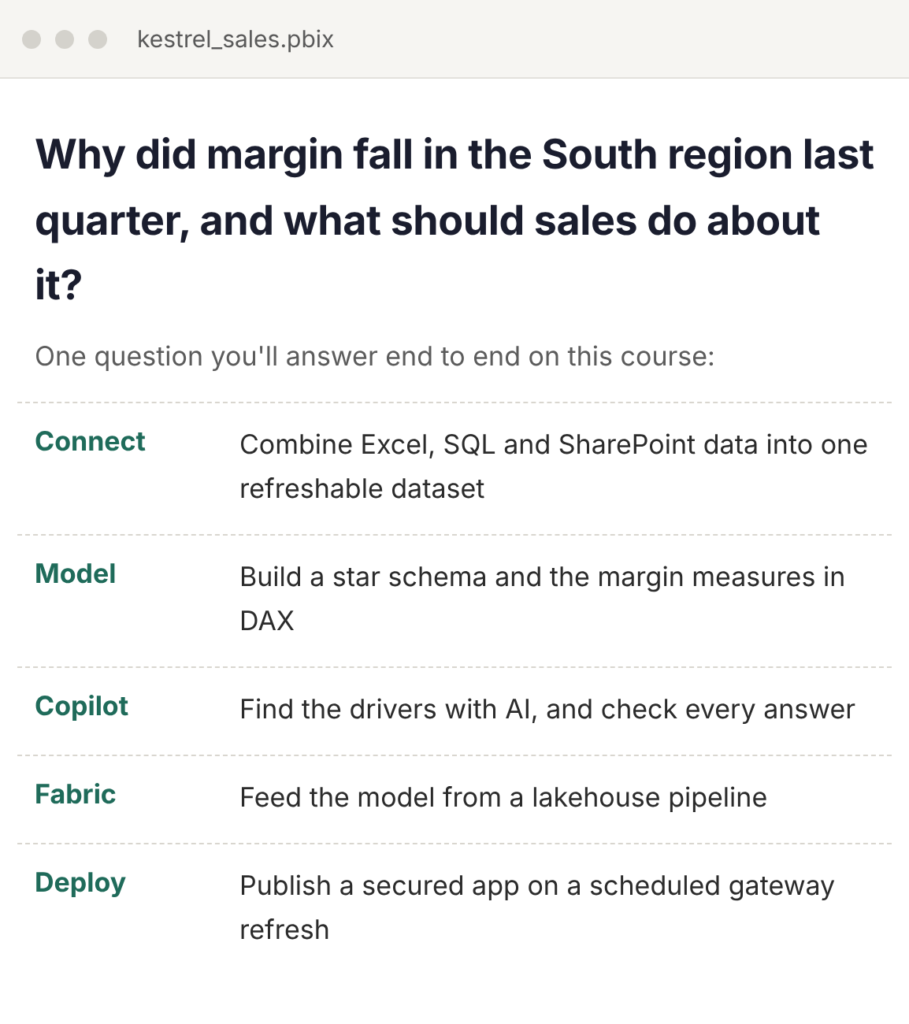
- Connect and clean the raw Kestrel sources
- Model the data and write the measures the question needs
- Find the drivers of the South region margin drop
- Publish a secured app on scheduled gateway refresh
- Give a 10-minute presentation to a review panel
Where GenAI comes in
- You decide where AI helps and record every place you used it
- The panel asks you to show how you checked each AI-assisted step
You leave with A finished Power BI solution, a published app and a presentation you can walk an interviewer through.
Who it's for, and how it
runs
Built for people starting a career in BI, and for working professionals who want to turn the reports they already handle into proper business intelligence. The weekend batch fits around a full-time job.
This course suits you if you are
A graduate or final-year student
From engineering, commerce, science or management, aiming for a first role in BI or analytics.
An Excel or MIS
user
Ready to replace manual spreadsheets and emailed reports with refreshable
dashboards.
A data or business
analyst
Who wants data modelling, advanced DAX, Fabric and deployment
on your CV.
A finance, sales or operations professional
Who owns KPIs and wants to build the reports yourself instead of waiting for them.
A Power BI user with
gaps
Comfortable with visuals, but unsure about models, DAX, gateways or security.
Busy on
weekdays
Able to give your weekends for 7 weeks, with time between sessions to finish projects.
One business, eleven projects
Every project uses Kestrel Foods, a fictional packaged-foods distributor supplying around 600
retailers across five regions of India. Each module builds on the last, so by the end you can take
one real business question from scattered source data to a deployed BI solution:
Why did margin fall in the South region
last quarter, and what should sales do about it?

Roles this course prepares you for
The skills map directly to the BI and analytics roles companies hire for most often.
Power BI Developer
Build data models, DAX measures and dashboards used across the business.
BI Analyst
Turn business questions into reports, and explain what the numbers mean.
Data Analyst
Connect, clean and analyse data, and present it as recommendations.
MIS or Reporting
Analyst
Own recurring reports and automate the manual parts with gateways and scheduled refresh.
BI Administrator
(junior)
Manage workspaces, apps, gateways, refresh and access for report users.
Sales, Finance or Operations Analyst
Apply BI inside a function to track performance and find savings.
Frequently Asked Questions
Yes. Module 1 starts from first principles and no coding is needed. If you’re comfortable with basic Excel, you have enough to begin.
Modules 3 to 10 cover modelling, advanced DAX, Copilot, Fabric, gateways and security, which is where most working users have gaps. [Add any skip-ahead or assessment option you offer here.]
Power BI Desktop and the on-premises data gateway run on Windows. Mac users can join using a Windows virtual machine. [Add any lab or remote desktop access you provide here.]
Copilot in Power BI, deployment pipelines and several Fabric features need a paid Microsoft licence or capacity. We demonstrate them in class, and every exercise has a route that works with free tools. [Confirm any trial or lab access you provide.]
Because AI-written DAX is often nearly right, and a nearly right margin figure is the dangerous kind of wrong. Employers hire people who can read, test and fix what Copilot produces. That needs the underlying skill.
[Confirm before publishing: whether the course is mapped to the PL-300 Power BI Data Analyst exam, and whether an exam voucher is included.]
A portfolio with a project from every module, a published Power BI app and an end-to-end capstone. [Add any placement or career support you offer here.]
[Recordings are shared after every session, and you can bring questions to the next doubt-clearing slot.]